



March 30, 2025

11 min
Published: March 17, 2025
|
Updated: April 28, 2026
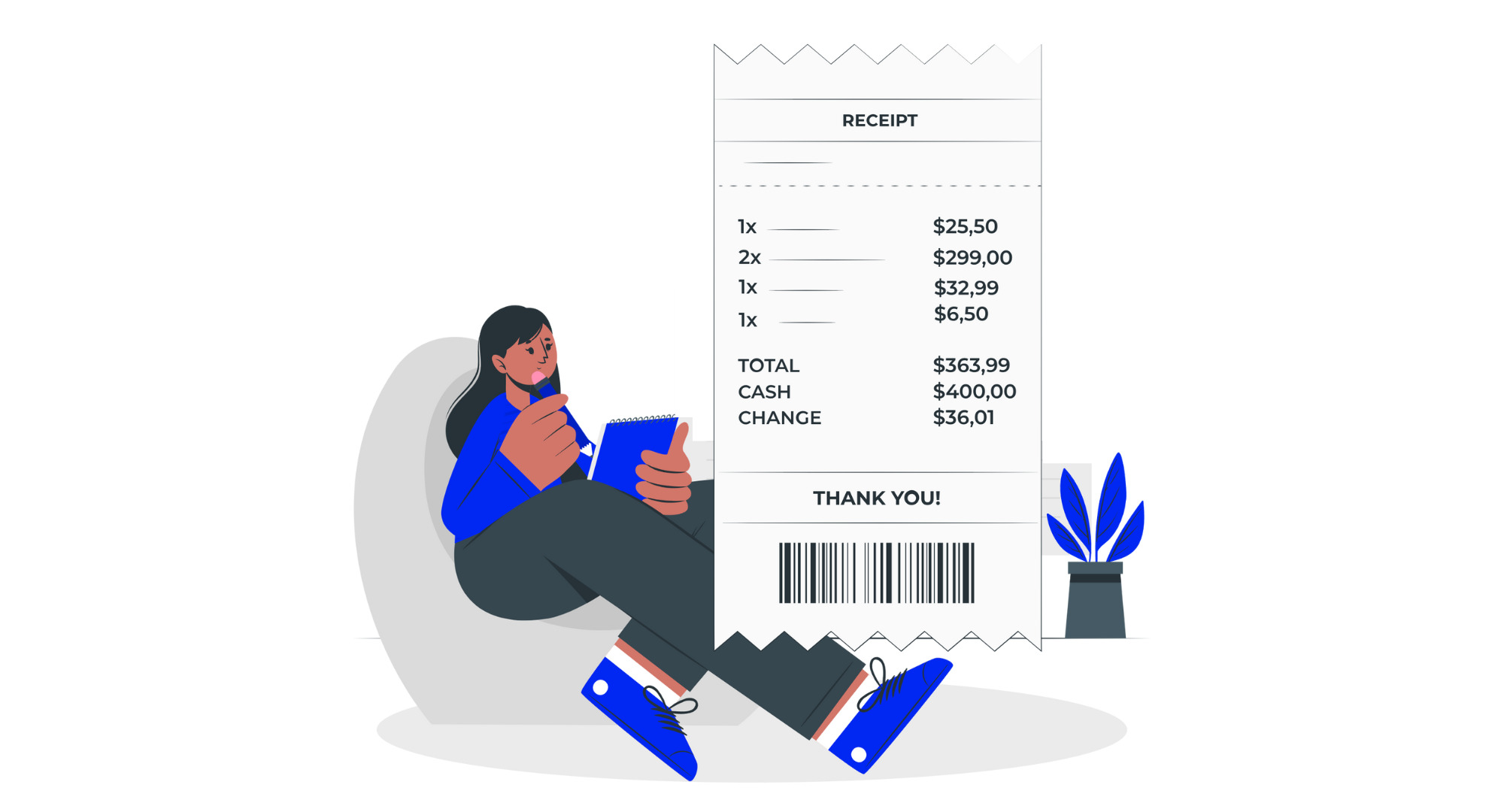
A receipt is a written record issued by a seller to a buyer that confirms payment for goods or services and serves as legal proof of purchase for tax, accounting, dispute resolution, and return or warranty claims.
Receipts appear at the end of every transaction and follow a standard structure — a header, the transaction date, a unique receipt number, seller details, an itemized list, the total paid, and the payment method. In the US, UK, EU, and Australia, receipts for tax-registered businesses must meet specific format and retention rules. This guide walks through how to write a receipt in seven steps, the six most common formats, the legal requirements by country, and eight mistakes to avoid.
Attribute Details Definition A written record issued by a seller confirming a buyer has paid for goods or services Also called Proof of purchase, payment receipt, sales receipt Typical location of receipt number Top-right of the document, labelled ‘Receipt No.’, ‘Receipt #’, or ‘Receipt ID’ Most common numbering format RCT-YYYY-### (for example, RCT-2026-001) Required fields Header, date, receipt number, seller details, itemized list, total paid, payment method Legally required for All GST/VAT-taxable sales in the UK, EU, AU, NZ; all business income in the US Minimum retention period US: 3 yrs (IRS) • UK: 6 yrs (HMRC) • AU: 5 yrs (ATO) • EU: 6–10 yrs • NZ: 7 yrs
A receipt is a written record issued by a seller to a buyer that confirms payment has been made and serves as legally admissible proof of purchase.
A receipt appears at the end of every sale — as a paper slip from a cash register, a PDF sent by email, a line in a mobile app, or a handwritten note on a pad. Receipts can be digital or paper; there is no single legally mandated format, but every receipt must identify who paid, how much, and when. Without receipts, bookkeeping becomes unreliable, customers cannot prove purchases for returns or warranty claims, and tax authorities cannot verify that a business has reported all income.
A receipt shares some fields with an invoice, but serves the opposite purpose: the invoice requests payment before it is made, the receipt confirms it after. For the full anatomy of the invoicing equivalent, see our guide on how to create an invoice and the essential invoice elements every compliant invoice must contain.
Every receipt should meet three non-negotiable requirements:
A receipt and an invoice record the same transaction from opposite sides: an invoice requests payment before it is made, a receipt confirms payment after it has been received.
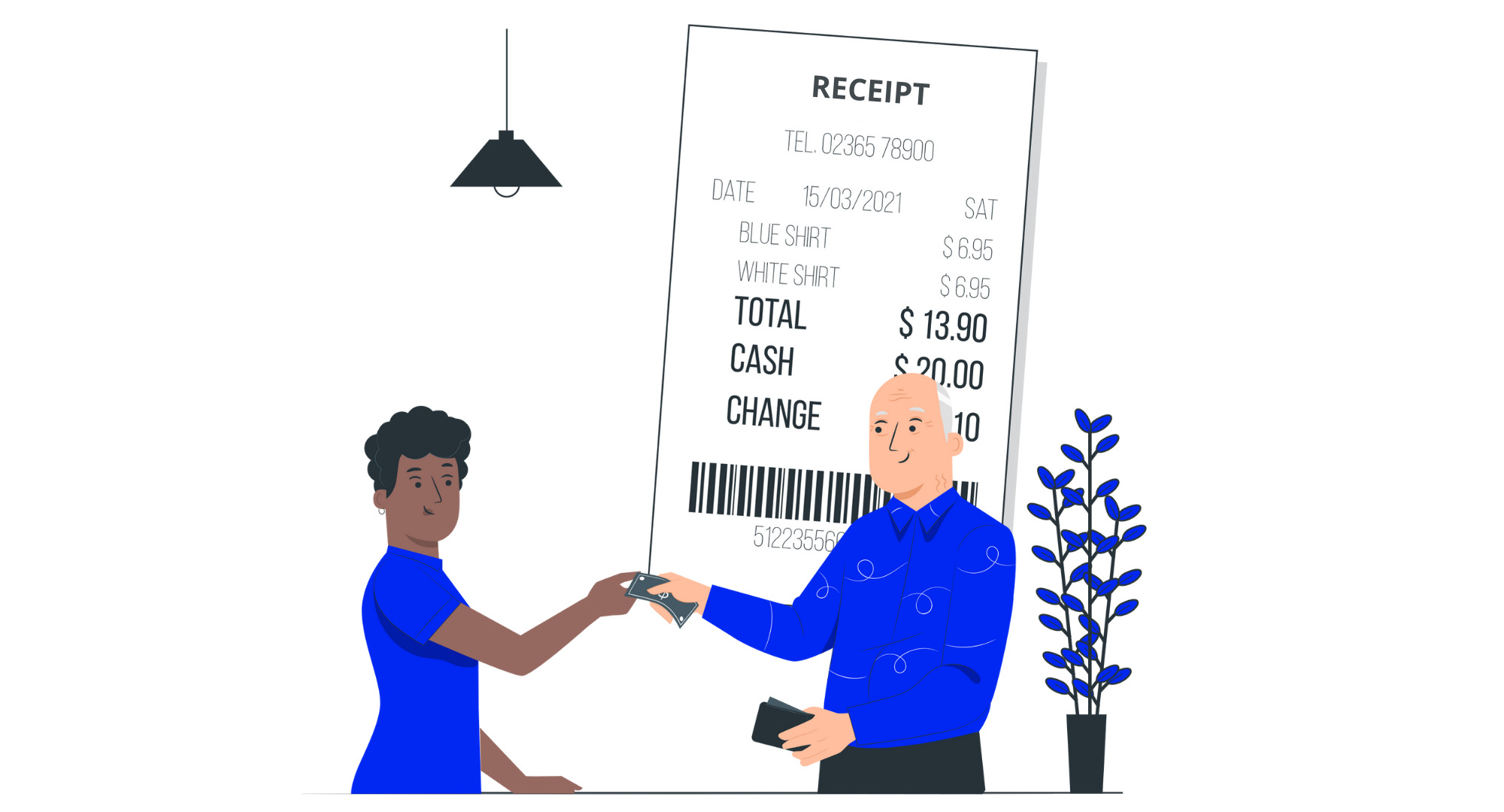
Aspect Invoice Receipt Purpose Requests payment from a buyer for goods or services provided Confirms payment has been received for goods or services Timing Issued before payment is made Issued after payment is received Legal function Acts as a billing document; serves as legal evidence in payment disputes Serves as proof of payment; used for returns, warranty claims, and tax records Tax information Shows tax (VAT, GST, sales tax) that the buyer is required to pay Confirms the tax that has been paid as part of the transaction Retention (issuer) 6–10 years in most jurisdictions 3–10 years depending on country
For a full side-by-side of the two documents, read our guide to the difference between an invoice and a receipt.
Every valid receipt must include seven essential fields: a header labelled ‘Receipt’, the transaction date, a unique receipt number, seller details, an itemized list of goods or services, the total amount paid, and the payment method.
Regardless of format — handwritten, thermal, PDF, email, or app-generated — every receipt should carry the seven fields below. These are the fields tax authorities look for and that buyers need for returns, expense claims, and warranty submissions.
Easily generate professional documents with the Billdu app. Download now to streamline your workflow and enhance your business operations.
 Free 7-day trialNo credit card requiredCancel anytime
To write a receipt, choose a format, add a header labelled ‘Receipt’, record the date and seller and buyer details, assign a unique receipt number, itemize the goods or services, calculate subtotal and taxes, and note the payment method before issuing.
The steps are the same regardless of whether you write the receipt by hand, print it from a thermal printer, or generate it from an app. What changes is the tool, not the content.
The best receipt format depends on the transaction type: handwritten for one-off cash payments, thermal-printer for retail and hospitality, PDF or email for services, and mobile-app-generated for on-site jobs.
For most small businesses, a receipt-generator app or PDF template is the best default — it auto-assigns receipt numbers, stores copies, and can send the receipt by email in one step. For on-site workflows like field services or trades, a mobile receipt app is usually the right choice. See the six formats and when each applies below.
The receipt header must display the word ‘Receipt’ prominently, along with the business name, logo, and contact information.
Treat the header as the page’s title. The word “Receipt” (not “Invoice”, not “Bill”, not “Order”) must appear. Under it, add the business name, address, phone, email, and website. If the business is VAT- or GST-registered, add the tax ID in the same block.
Record the seller’s full legal business name, address, and tax ID, and at minimum the buyer’s name — more detail is required for B2B and large retail transactions.
For walk-in retail under AUD 82.50 (or local equivalent), buyer details are often not required. For any B2B transaction or purchase over the local threshold, include the buyer’s name and address; for VAT-registered B2B transactions in the EU or UK, include the buyer’s VAT number. In Australia, for sales of AUD 1,000 or more, the buyer’s identity or ABN must be shown.
Assign a unique, sequential receipt number to every receipt issued, using a format such as RCT-2026-001 that cannot be duplicated across years.
Use a format that survives the tax year — prefixing with “RCT-” and the year (RCT-2026-001, RCT-2026-002…) is the most common pattern. Start receipts with a separate number series from invoices so the two document types can be tracked independently. The same invoice numbering rules apply here: no duplicates, no gaps without a void log, no changes mid-year.
List each product or service on its own line with a description, quantity, and unit price, so the receipt doubles as a clear record of exactly what was exchanged.
One line per item. Include a brief description (“Blue cotton T-shirt, size M” not just “T-shirt”), the quantity, the unit price, and the line total (unit price × quantity). This itemization is what makes the receipt useful as proof for returns and for accurate expense recording.
Calculate the subtotal by summing all line items, then add applicable sales tax, VAT, or GST on a separate line, and show the grand total in a visually distinct row.
Three rows at the bottom: Subtotal (sum of line totals), Tax (with the rate named — “GST 10%” or “Sales tax 7.25%”), and Total Paid (bold, larger font, or a separating line). Do not bundle tax into line prices on the receipt — tax authorities in the UK, EU, and Australia require it to be shown separately. If the receipt is reconciling an earlier invoice, double-check that the totals match the agreed invoice payment terms — including any deposits, partial payments, or early-payment discounts.
Record how the payment was made — cash, card, bank transfer, or online — and deliver the receipt to the buyer immediately via print, email, or in-app sharing.
Under the total, write the payment method (“Paid in cash”, “Paid by Visa ending 4321”, “Paid by bank transfer — ref INV-2026-047”). Then issue the receipt: hand it over, email it, or share it via your receipt app. Save a copy for your own records — every country in this guide requires the seller to retain receipts for at least three years. Integrated invoice tracking lets the receipt reference the original invoice automatically, closing the loop between billing and proof of payment.
The six most common receipt formats are handwritten, thermal-printer, PDF, email, mobile app, and point-of-sale (POS) receipts — each suited to different business types and transaction volumes.
There is no legal requirement to use a specific format — the only legal requirements are uniqueness, completeness, and retention. That flexibility means the right format depends on transaction volume, where the receipt is issued (in-store, on-site, online), and how records are stored.
A handwritten receipt is a paper receipt written by hand on a blank slip or a pre-printed receipt book, used for one-off cash transactions where no digital tools are available.
Best for: field services, one-off cash transactions, sole traders without digital tools, paper receipt books with carbon-copy duplicates.
Example: A plumber completes an after-hours emergency call, writes “Receipt #RCT-087, 21 Apr 2026, Paid $240 cash — drain clearance, 85 Maple St” on a carbon-copy pad, signs it, hands the top copy to the customer and keeps the duplicate.
Limitation: illegible handwriting is the most common issue for tax-audit rejections. Use block capitals and a good pen. See our receipt template guide for handwritten-receipt-book options.
A thermal printer receipt is printed on heat-sensitive paper by a cash register or point-of-sale printer, typically in retail and hospitality at the moment of sale.
Best for: retail stores, cafés, restaurants, bars, market stalls, and any high-volume consumer transactions.
Example: A coffee shop sale: the barista enters items at the register, taps “Card”, and the printer produces a 60mm-wide thermal receipt with the store logo, itemized drinks, 20% VAT line, total, and card-masked last four digits.
Limitation: thermal receipts fade within 6–24 months unless stored carefully. For tax retention, photograph or photocopy thermal receipts to a backup file.
A PDF receipt is a digital receipt generated by invoicing software or a template and saved as a non-editable PDF file, emailed or shared via a link.
Best for: freelancers, consultants, service businesses, online retailers, any B2B transaction.
Example: A freelance designer completes a project invoice, receives payment by bank transfer, and generates a PDF receipt with “PAID IN FULL” stamped across it; the PDF is emailed to the client and archived in the designer’s accounting folder.
Limitation: PDFs require digital-storage discipline. Use consistent naming (RCT-YYYY-NNN_ClientName.pdf) and a cloud backup. Online receipts have largely superseded paper for service businesses.
An email receipt is a receipt delivered directly in the body of an email or as a plain-HTML confirmation, typically used by online retailers at checkout.
Best for: e-commerce checkout confirmations, SaaS subscription renewals, simple online service receipts.
Example: An online bookstore customer completes checkout; the store’s system immediately sends an order-confirmation email with subject “Receipt #10482 — thanks for your order” containing itemized line items, total paid, payment method, and tracking information.
Limitation: email receipts are harder to archive formally than PDF receipts. For businesses that need receipts for expense reimbursement, a PDF attachment is better than body-only HTML. Email receipts also need to plug into a broader invoice tracking discipline so that every receipt can be matched to the original invoice it settles.
A mobile app receipt is generated on-site by a receipt or invoicing app on a phone or tablet, and sent to the customer immediately by email, SMS, or in-app link.
Best for: tradies, field-service professionals, delivery drivers, contractors, any on-site business that issues receipts away from a fixed location.
Example: An electrician completes a repair, opens the Billdu app on their phone, taps “Create receipt” on the job they just finished, and sends the receipt to the customer’s email with a Pay-Now link for future jobs.
Limitation: requires a phone/tablet with data connection (though most apps queue offline and sync when back online). Use an app that accepts online payments directly for the tightest workflow.
A point-of-sale receipt is generated by a POS system that combines payment processing, inventory tracking, and receipt issuance in a single transaction, most common in retail and hospitality.
Best for: retail with inventory, restaurants with table service, hotels with room charges, any business where the receipt needs to update inventory in real time.
Example: A hotel guest checks out: the POS system consolidates the room charge, restaurant bills, and minibar charges into a single itemized receipt with room night tax, city tax, and VAT broken out separately.
Limitation: POS systems are a significant capital and training investment. For businesses under ~50 transactions per day, a mobile receipt app is usually more cost-effective.
Businesses issue nine common types of receipts depending on the transaction context: simple, cash, deposit, rent, donation, hotel, taxi, invoice-paid, and packing slip receipts.
The format above is the delivery mechanism; the type below is the purpose. Most businesses use two or three types. The receipt taxonomy mirrors the broader invoice taxonomy across 20 types — the document type follows the transaction, not the other way round.
Receipt type What it is Key included fields Who it’s for Simple receipt Basic proof of a transaction Date, item description, price, seller details Any retail or service customer Cash receipt Proof of cash payment Date, amount paid, recipient details, signature Customers paying cash Deposit receipt Confirmation of deposited funds against a future order Date, amount paid, account details, balance due Customers paying a deposit Rent receipt Confirmation of rent payment for a rental period Tenant and landlord names, rental period covered, amount paid, payment method Tenants (and landlords for tax records) Donation receipt Record of charitable contribution for tax purposes Date, amount donated, recipient charity details, tax-deductible note Donors claiming tax deductions Hotel receipt Record of hotel accommodation and extras Dates of stay, room number, itemized charges (room, meals, taxes) Guests and business travellers Taxi / rideshare receipt Record of a paid ride Date, pickup and drop-off, distance, fare, payment method Passengers claiming travel expenses Invoice-paid receipt A formal confirmation that an invoice has been fully settled Original invoice number, date of payment, amount paid, method B2B clients who need matching records Packing slip receipt Proof of goods shipped (not always a financial receipt) Sender, recipient, itemized goods, quantity, condition Customers receiving physical goods
B2B teams using invoice-paid receipts often work alongside purchase orders. The relationship between the three documents — purchase order, invoice, and receipt — is covered in our purchase order vs invoice guide, which explains who issues each one and in what order.
Receipt requirements vary by country: the US requires adequate records but no specific format, the UK and EU require VAT-registered businesses to retain receipts for 6 to 10 years, Australia requires tax invoices for GST-taxable sales of AUD 82.50 or more, and New Zealand requires 7-year retention under the Tax Administration Act 1994.
Each country’s tax authority sets the rules. Always verify the current rules directly with the authority named — these requirements change.
The IRS does not mandate a specific receipt format but requires businesses to retain adequate records of all income and deductions for at least 3 years, and up to 7 years in specific circumstances.
Primary sources: IRS Publication 583 (Starting a Business and Keeping Records); IRS Publication 463 (Travel, Gift, and Car Expenses).
HMRC requires VAT-registered UK businesses to issue a VAT receipt for every taxable sale and retain VAT records for at least 6 years.
Primary sources: HMRC VAT Notice 700/21 (Keeping VAT records); GOV.UK — VAT record-keeping.
The Australian Taxation Office requires businesses to issue a tax invoice (which serves as a receipt) for any GST-taxable sale of AUD 82.50 or more (including GST) within 28 days of a customer request.
Primary sources: ATO — Tax invoices; GSTR 2013/1 (Goods and services tax: tax invoices); business.gov.au — How to invoice.
Under the EU VAT Directive (Council Directive 2006/112/EC), receipts for VAT-taxable transactions must contain specific elements and be retained for between 6 and 10 years depending on the member state.
Primary source: Council Directive 2006/112/EC (the EU VAT Directive), Articles 220–237.
New Zealand’s Inland Revenue Department requires GST-registered businesses to issue a tax invoice (which serves as a receipt) for taxable supplies over NZD 50 and retain records for at least 7 years.
Primary sources: NZ IRD — Tax invoices; Tax Administration Act 1994, s. 22.
The eight most common receipt-writing mistakes small businesses make are missing receipt numbers, reusing numbers across years, no tax breakdown, illegible handwriting, no issue date, generic or missing header, no payment method noted, and failing to retain copies.
Every one of these has caused a real audit issue or customer dispute. Each is easy to avoid once it’s been flagged.
Failing to retain copies. Losing the seller’s copy of a receipt means losing the ability to verify a disputed transaction or defend it in an audit. Keep digital and physical backups for the required retention period.

This guide is based on primary tax-authority documentation from the IRS, HMRC, ATO, EU VAT Directive, and NZ IRD.
All legal requirements were verified against primary government sources in April 2026. Receipt-format examples reflect the conventions used by leading small-business invoicing platforms as of Q1 2026. Every statistic is dated; every legal claim links to a primary source.
Primary sources consulted:
Use the Billdu app on Android and iOS to quickly convert invoices into receipts. Simplify record-keeping and improve customer satisfaction effortlessly.
Free 7-day trialNo credit card requiredCancel anytime




Sign up now for a 30-day free trial and get 20% off on your first subscription
By signing up you agree to Terms of use and Privacy policy