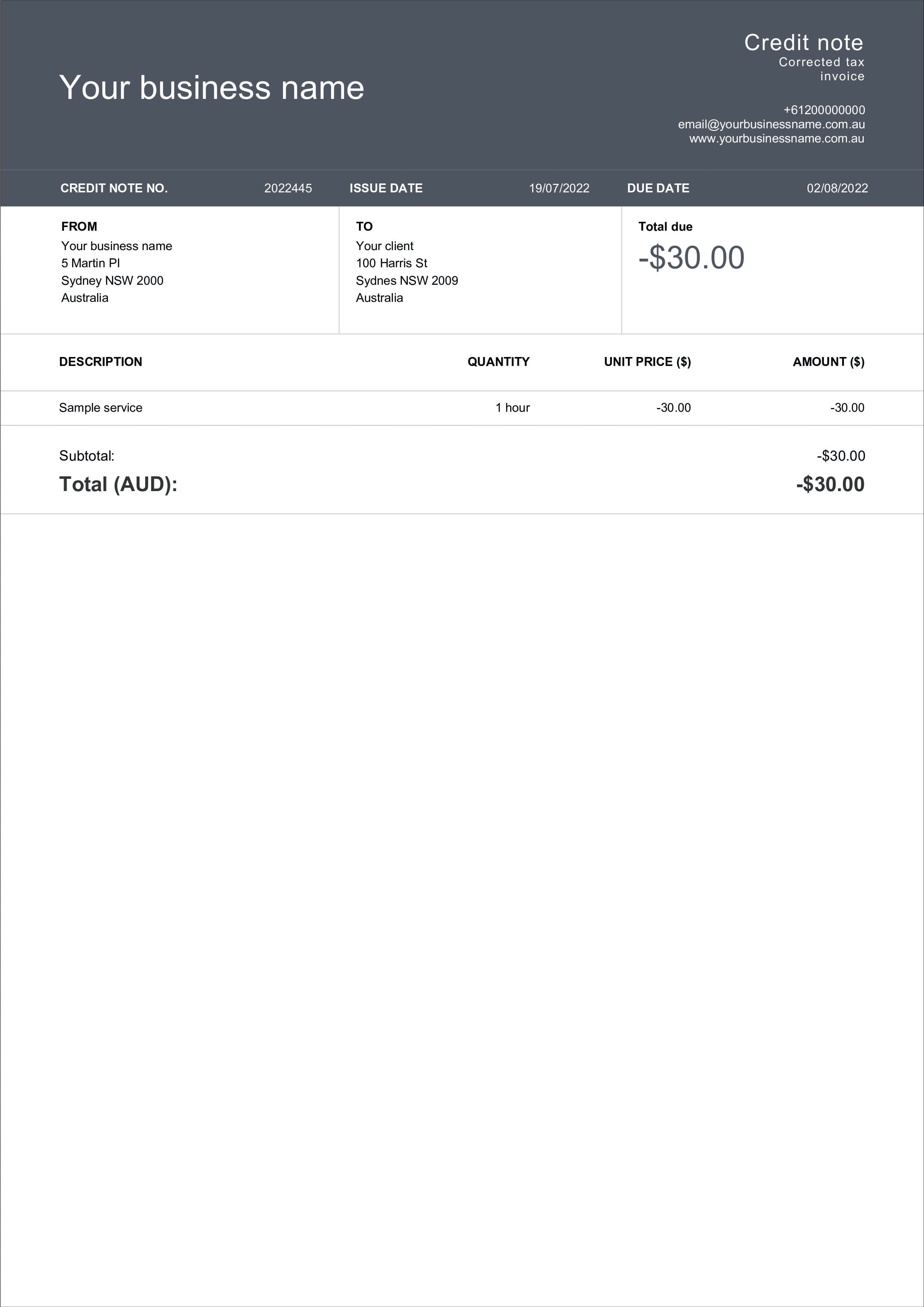

credit note template 2

Credit note template

A credit note cancels all or part of an invoice you've already issued — for a return, an overcharge, or a discount agreed after the sale. Download a free credit note template below in Word, Excel, Google Docs or PDF, or create one in seconds with Billdu.
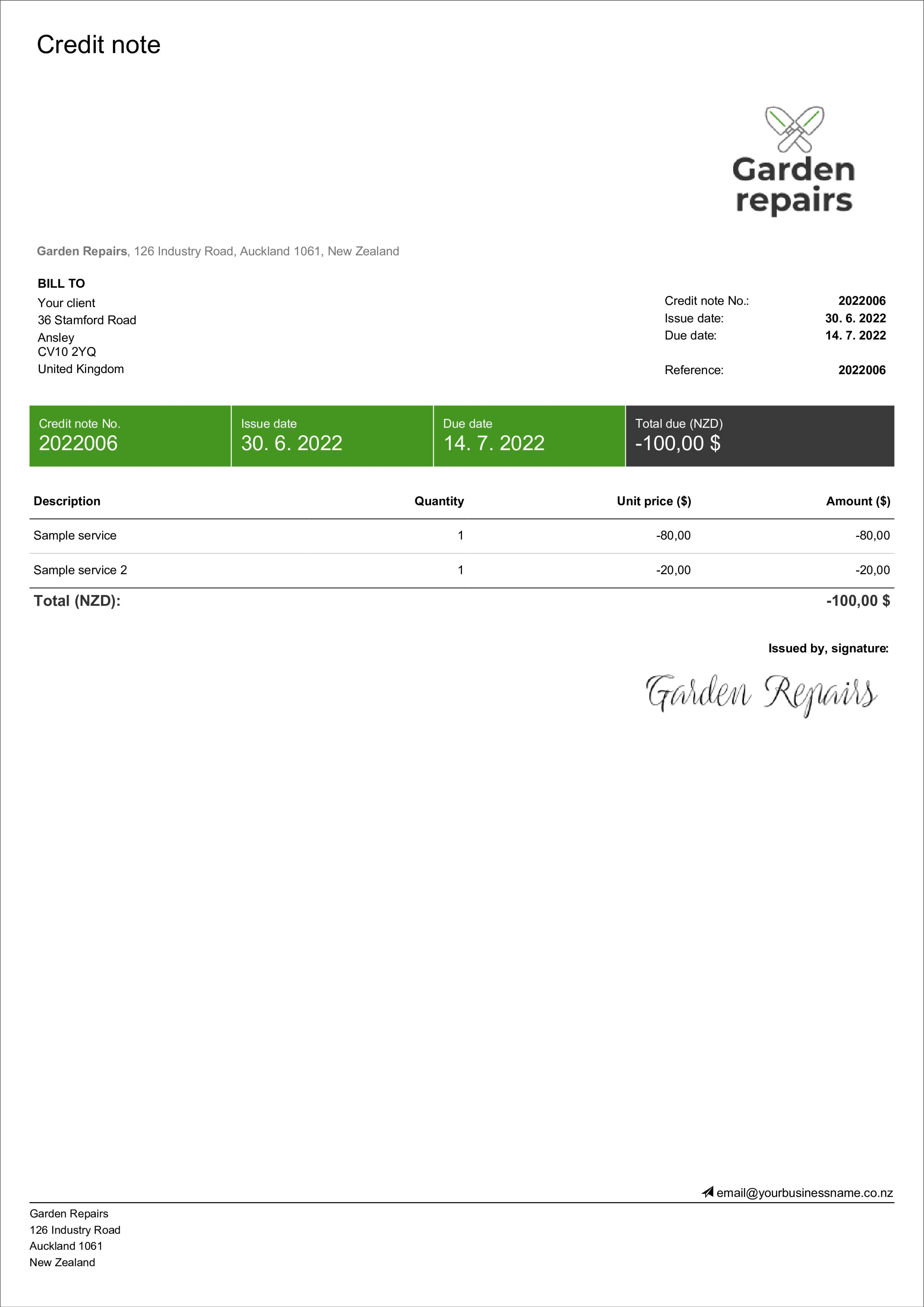
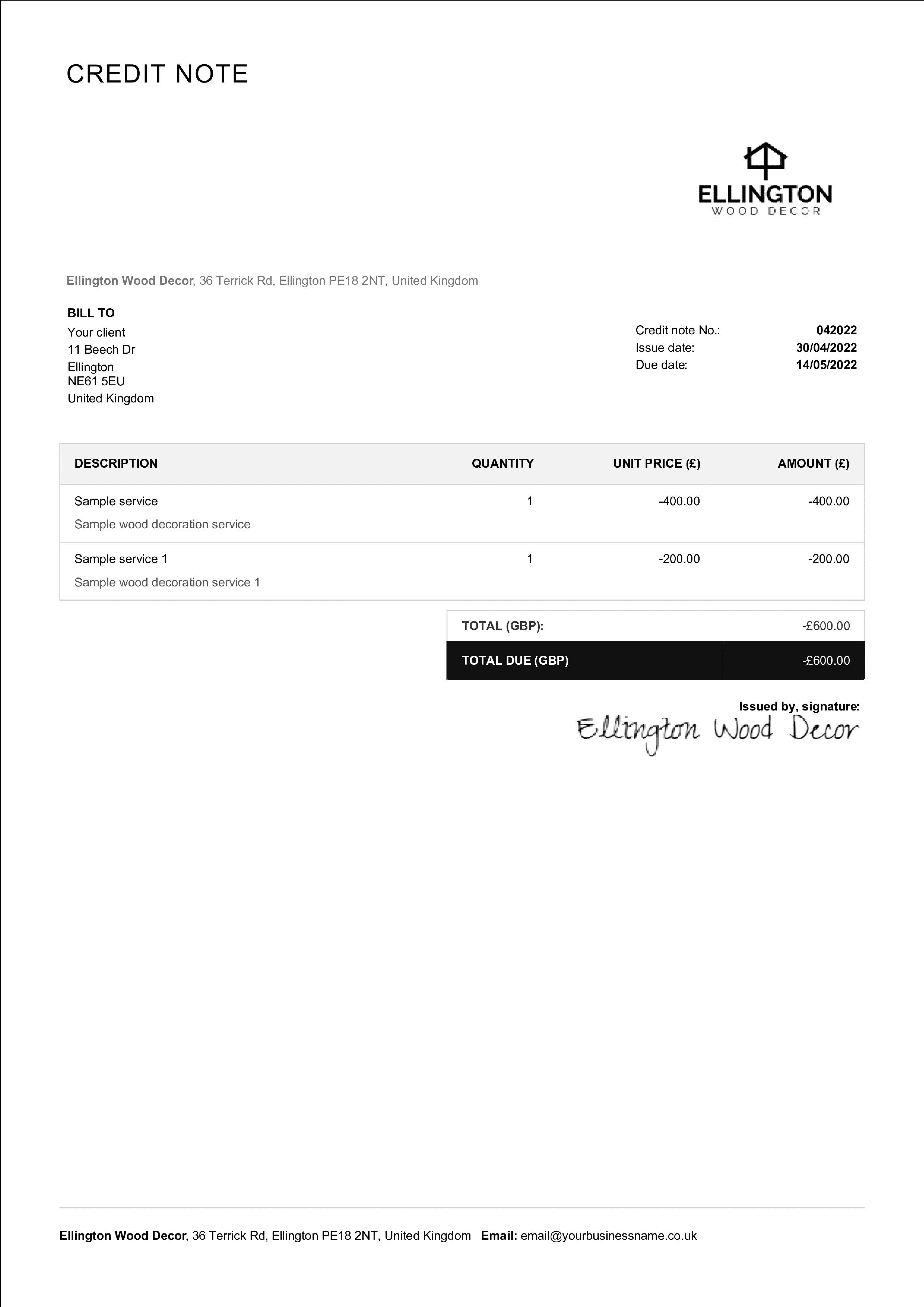
The best credit note templates for your business

You do not need to spend time going through all the credit note templates available on the internet. We have created a free forms that you can easily edit or download to your computer. Select your preferred format and start using the template now.

free credit note template

Stripe template

Download the template example in Word, Excel or Google Sheet

download credit note template example

Classic template

Download the template example in Word, Excel or Google Sheet

credit note template sample

Modern template

Download the template example in Word, Excel or Google Sheet

free credit note layout

Simple template

Download the template example in Word, Excel or Google Sheet

What is a credit note?

A credit note (also called a credit memo) is a document a seller issues to a buyer to reduce or cancel the amount owed on a previously issued invoice. It records a refund, a return, or a correction - and because a finalised invoice can't legally be edited or deleted, issuing a credit note is the correct way to adjust it.

When do you issue a credit note?

You'd typically issue one when:

  • a customer returns goods or cancels a service

  • a customer was overcharged, or there was a pricing error on the invoice

  • goods were damaged in transit, or a service didn't meet the agreed terms

  • you agree a discount or partial refund after the invoice was sent

What a credit note should include

  • The words “Credit Note” and a unique credit note number

  • The original invoice number it relates to

  • Issue date

  • Seller and buyer details (name, address, contact)

  • The items or services being credited, with quantities and unit prices

  • The amount credited — and any VAT, matching the original invoice

  • The reason for the credit, and whether it's refunded as cash or applied to a future invoice

Credit note vs debit note

A credit note reduces the amount a buyer owes; a debit note increases it. As the seller, you issue a credit note when you need to give money back or lower an invoice. A debit note is used when more is owed - for example, when extra charges apply after delivery. Matching the two correctly to the original invoice keeps your accounts and VAT records accurate.

How to use a credit note template (and keep the credit note format compliant)

To use a credit note template correctly, keep the credit note format consistent across transactions and make every credit note easy to review. A simple way to do this is to mirror the original invoice details and clearly show the reason for the credit, the date, and the updated total. This structure helps accounting teams reconcile data, manage customer balances, and keep clean records for tax and financial reporting. Your credit note should contain:

  • Unique credit note number

  • The related invoice number as a reference

  • Buyer and seller details

  • Returned items (or services)

  • Unit prices, discounts, the amount credited, and any optional notes (for example, whether the refund is paid as cash or applied to future billing)

hire an independent contractor

Frequently asked questions

How do I create a credit note?

Start from the original invoice, copy its number and client details, list the items being credited with their amounts, add the reason, and give it a unique credit note number. Download a template above, or create one automatically with Billdu.

What does a credit note look like?

It looks like an invoice in reverse - same layout, but it reduces the balance instead of requesting payment. Preview the four layouts above.

What's the difference between a credit note and a refund?

A credit note is the document that records the adjustment; a refund is the money actually returned. A credit note can result in a cash refund or a credit applied to the customer's next invoice.

Do I need to reference the original invoice?

Yes. Always include the original invoice number so both parties - and the tax office - can match the credit to the sale it corrects.

Does a credit note include VAT?

If the original invoice included VAT, the credit note should show the VAT being credited and reference that invoice, so your tax records stay correct.

Other credit note templates

Other template examples

ALTERNATIVE SOURCES

Create credit notes automatically with Billdu

Skip the blank template. Billdu turns any invoice into a matching credit note in a couple of taps — it carries over the client, the line items and the original invoice number, keeps your numbering sequential, and stores every credit note next to the invoice it corrects. Issue credits from your phone, apply them as a cash refund or account credit, and keep your VAT records clean at tax time.

Invoice maker on the go

mobile and web app

Create and send credit notes from anywhere and keep every document in one place. 7-day free trial.

Pro invoice maker for small businesses

2× faster resolution

Send the credit the moment goods are returned and checked, and update the customer's balance instantly.

Online invoice creator - handy dashboard with overview of invoices, expenses and balance

Dashboard & documents

Invoices, credit notes, estimates and quotes in one dashboard, so every adjustment is traceable.

Get started with Billdu

invoicing · sales · communication