

DELIVERY NOTE TEMPLATE
Looking for a delivery note template? Check our designs, choose the one that fits you best, and create your delivery note in minutes.
Looking for a delivery note template? Check our designs, choose the one that fits you best, and create your delivery note in minutes.
Pick a professional delivery note template, add your shipment details, and print or send it with your next delivery. Every template below is free, fully editable, and includes a signature line for proof of delivery.
A delivery note is a document that accompanies a shipment and lists the goods and quantities being delivered. The recipient checks the delivery against it and signs to confirm receipt — a signed delivery note serves as proof of delivery. It is also known as a dispatch note or goods received note.
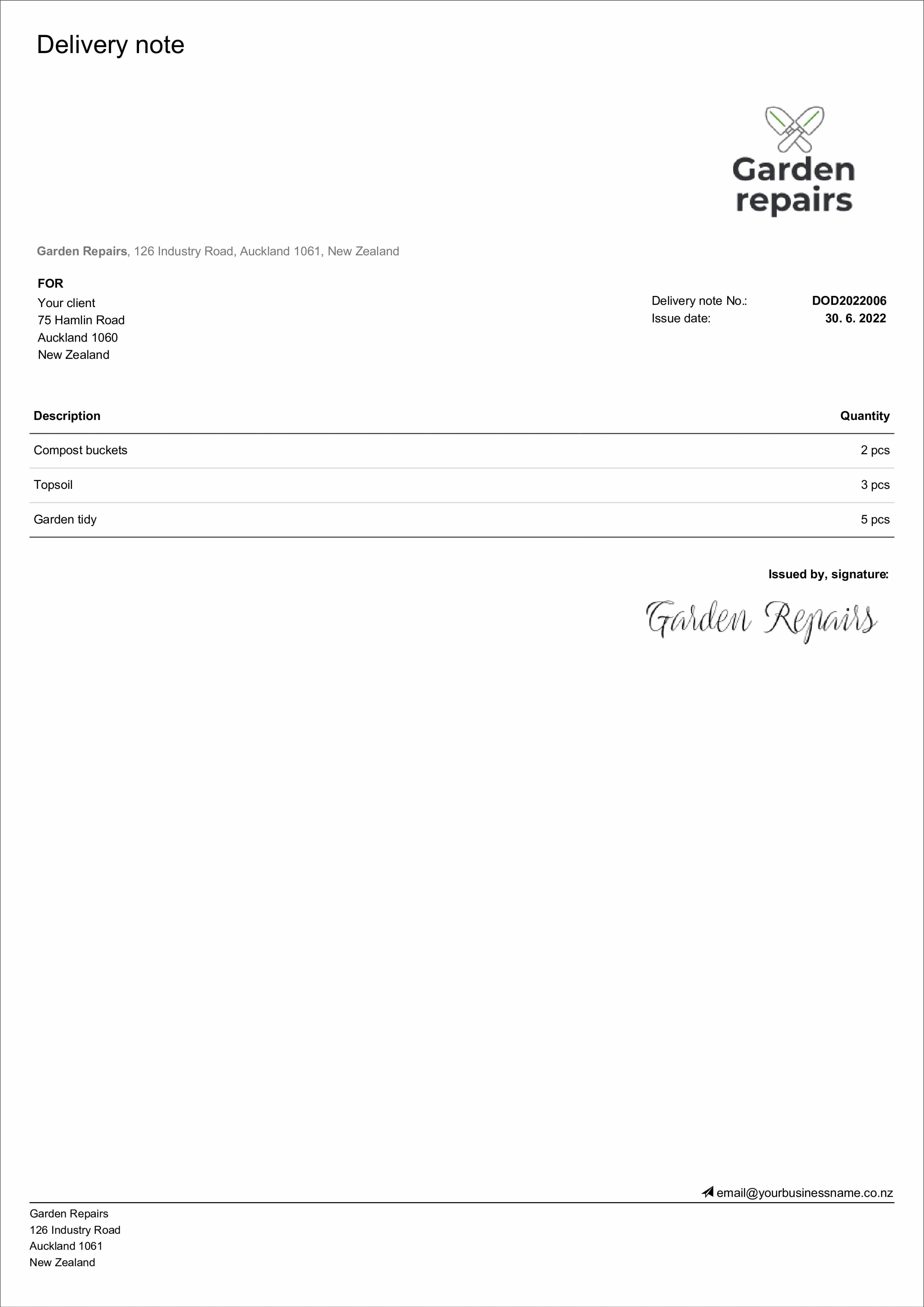
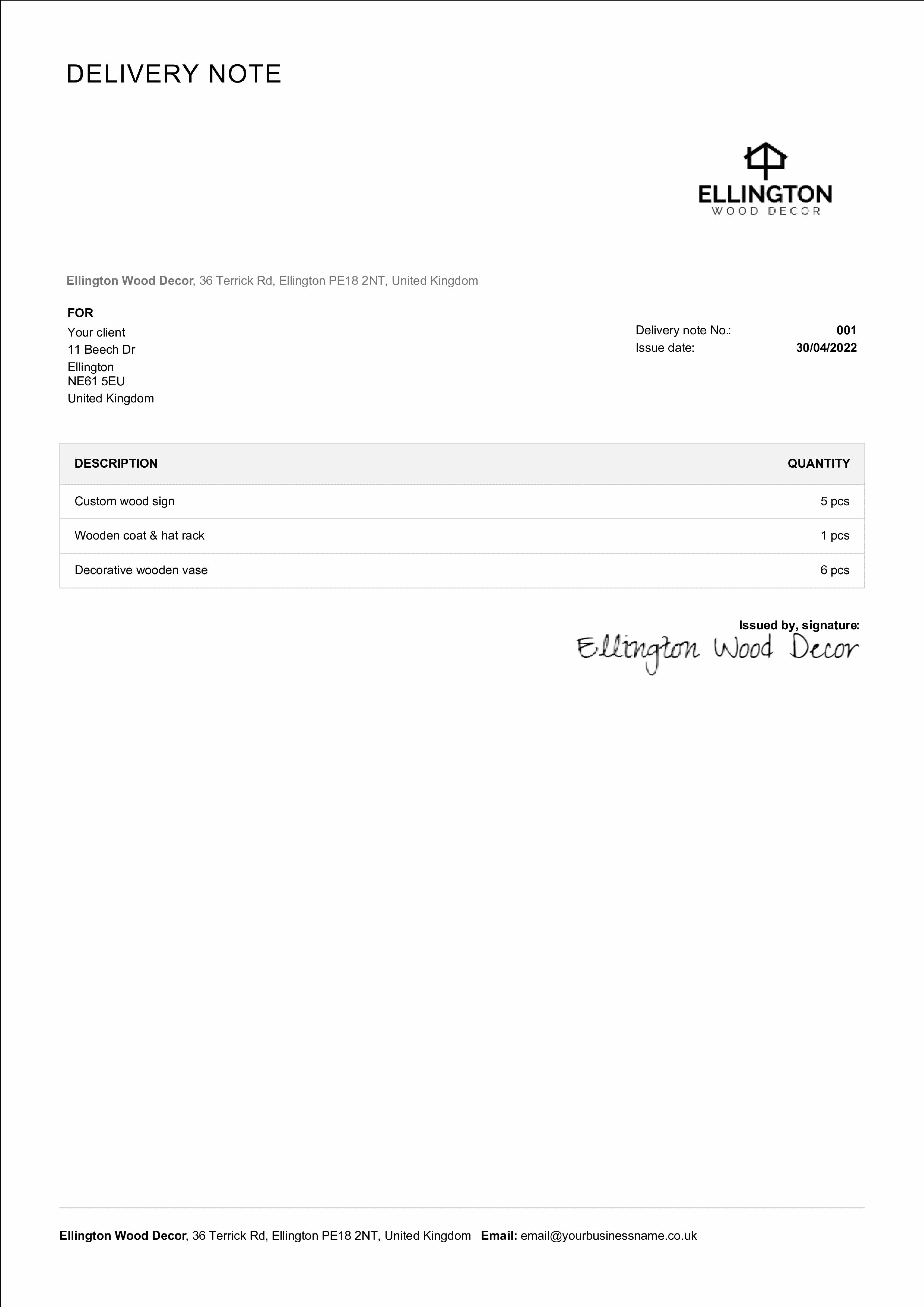
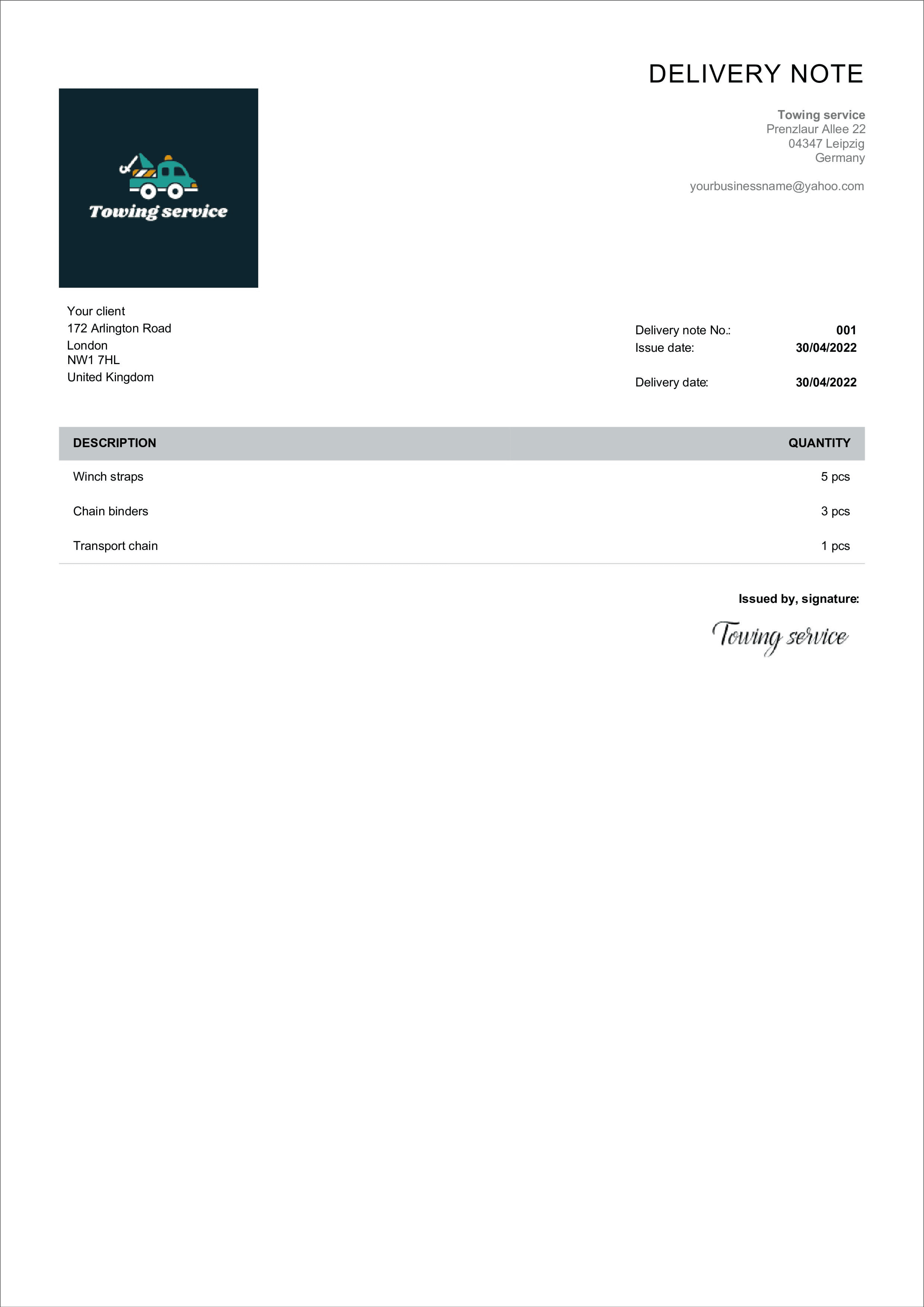
A delivery note should include the following:
the words “Delivery Note”
supplier and customer details (name, address, contact)
a unique delivery note number
issue date and delivery date
a description and quantity of each item delivered (no prices — those belong on the invoice)
a space for the recipient to sign on receipt
A delivery note is not the same as an invoice or a carrier receipt. A delivery note focuses on the goods that were sent and what the recipient actually received, while an invoice focuses on price, taxes, and payment terms. A packing list can look similar, but it is often used internally and may not include all customer details needed for proof of delivery. A delivery note is a simple document that supports shipping and logistics by giving the buyer a clear list of items, quantity, and order reference so they can confirm the delivery at the point of handover. It also helps your company record transactions and link each shipment to the correct invoice later in accounting.
Have you not found your desired template? We have more free templates in our Free Delivery Note Generator. Create your document and download it in PDF afterwards.

Most problems happen when the delivery note is treated like a generic form. Common mistakes include a missing date, missing delivery note number, an unclear description of items, or mixing multiple order lines into one list without a reference.
Another frequent issue is missing recipient details such as address and contact, which can make return handling and customer support harder. To ensure accuracy, always enter the correct order number, keep a clear list of goods with quantity, and add sender contact details. If you use a printed copy, leave space for a signature so the customer can confirm what was delivered, what was received, and what was not included in the delivery.
If you create delivery note documents regularly, automate the process to save time and reduce errors. Use software or online tools that allow you to generate a delivery note from order data, so you only enter details once. Keeping the same delivery note format also helps your team follow one process across your store or services and supports easier record keeping for management and accounting.
Many businesses start with a delivery note template and standardize fields like shipment date, package count, recipient address, and items list. You can create a delivery note in Microsoft Word, edit it when needed, and then send or print the final file for the shipment.

Some industry requirements affect the delivery note form and the information you need to include. For example, wholesale and manufacturing may require batch or serial number details and strict quantity checks, construction may require a project reference and a site recipient, and retail or e-commerce often needs clear return information and package tracking details. Food, pharma, and other regulated industry segments may require extra report fields (for example, lot number, expiry date, and temperature checks) to ensure compliance. In all cases, keep the delivery note design consistent with your logo and make sure the content is easy to read on printed pages and in digital workflows, such as when you save the document to PDF.
Before you send a shipment, do a quick check using a delivery note sample to ensure nothing is missing.
This simple checklist helps the seller reduce disputes, helps the buyer confirm receipt, and ensures the customer has a clear receipt record when goods are received. If anything changes after the document is sent, issue an updated delivery note and keep both versions as a record for your report and transactions history.
Confirm the delivery note number and date
Verify sender and recipient information
Check the items list against the purchase order
Make sure each line includes description and quantity
Confirm the package count matches what is being delivered

In most cases, no — a delivery note is not legally mandatory, but it is strongly recommended. A signed copy gives you proof of dispatch and delivery and settles disputes about what was sent. Some regulated industries (for example food or pharmaceuticals) and some countries do require specific transport or dispatch documents, so check the rules that apply to your goods.
The person receiving the goods signs the delivery note at handover, after checking the items against the list. The signed copy — kept by you or the courier — becomes your proof of delivery (POD). If anything is missing or damaged, the recipient should note it next to the signature before signing.
No. The delivery note confirms what was shipped and received; the invoice requests payment and carries the prices, totals, and any VAT. Most businesses put the same order or invoice number on both documents so they can be matched later.
Usually not. Prices, taxes, and payment terms belong on the invoice — the delivery note lists only the items and quantities so the recipient can check the shipment. Leaving prices off also means warehouse staff and couriers never see what the customer is paying.
A goods received note is the buyer’s counterpart to the delivery note: the supplier issues the delivery note with the shipment, and the receiving business records a GRN confirming what actually arrived. Many companies use a signed delivery note as the GRN. You can create both with our free delivery note generator.
Professional invoice templates are not the only thing we offer. With Billdu you can grow business even more.

mobile and web app
Create your invoice templates directly in our app and keep your documents at one place and access them whenever you like. You can try it out with 7-days free trial.

2X FASTER PAYMENTS
Add a Pay Now button to the bill template and get paid up to 9 days sooner by accepting payments from online payment services. Nothing cheers up more than a settled bill!

dashboard and documents
Don't limit yourself with invoices only. Create estimates, quotes, delivery notes and more. Keep the track with our dashboard that gives you the greatest comfort for operating and monitoring your business.


Sign up now for a 30-day free trial and get 20% off on your first subscription
By signing up you agree to Terms of use and Privacy policy