

Free Invoice Template PDF
Download a free, fillable PDF invoice sample and send it in minutes - no Acrobat needed. Or skip the file entirely and generate a finished PDF invoice online for free.
Download a free, fillable PDF invoice sample and send it in minutes - no Acrobat needed. Or skip the file entirely and generate a finished PDF invoice online for free.
Each invoice sample below is a finished PDF layout - open it, look at how the fields are arranged, and use it as your own template. Every sample downloads free, with the item table, tax and total fields already structured.

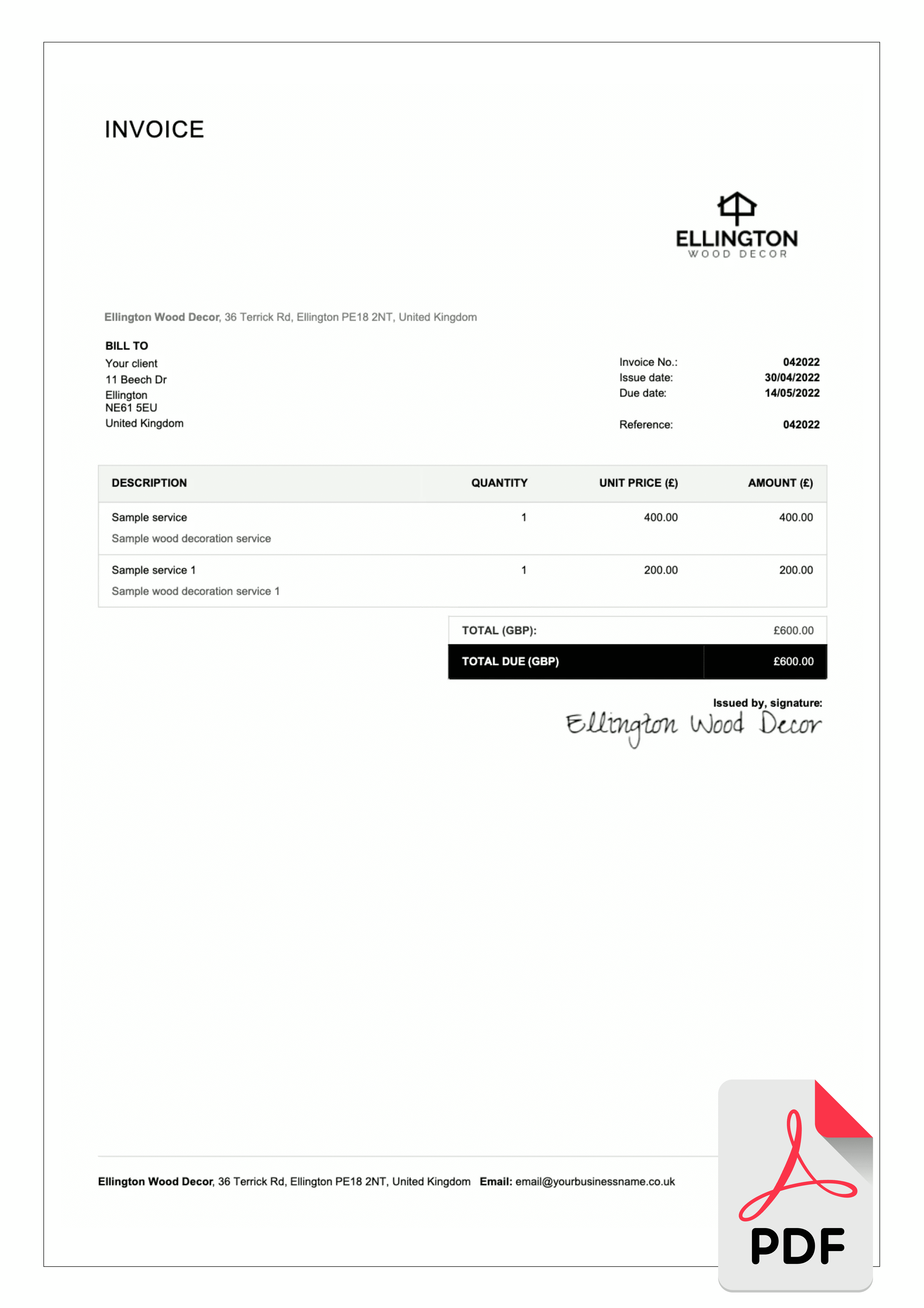

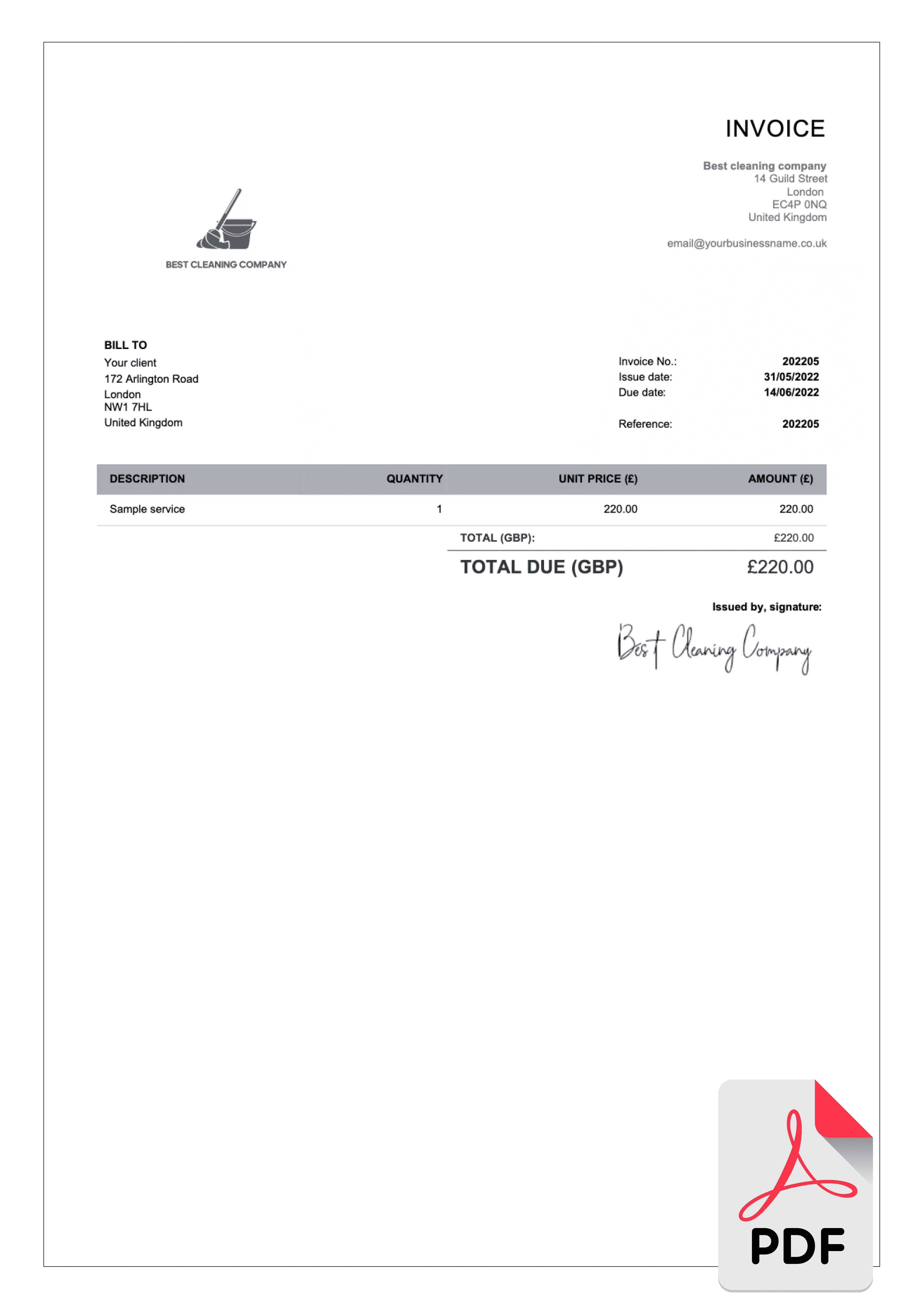
Billdu is proud to offer a user-friendly invoice template PDF for our customers. If you don't wish to use our predefined PDF template, we have a solution for you.
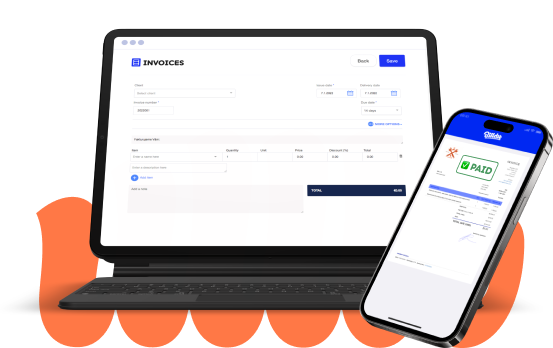
Take advantage of Billdu's invoice maker, automatically generate professional invoices and dazzle your clients with 4 stunning templates in every (and more) color of the rainbow. You can create your custom design directly in our invoice maker by clicking the corresponding Color and Template buttons in the top bar.

Would you like to see more designs? Learn about the possibilities on how to create professional invoices easily.
With Billdu, you're not limited to only PDF templates. We have a variety of templates to choose from, including Excel, Word, Google Docs, and Pages. Just choose the format that works for you and give it a go! Just choose the format that works for you and give it a go!
Check out our Billdu Templates to download templates directly into your device and start customize them to your needs. They are flexible, easy to handle, and come in a variety of styles to fit your unique brand.
Reduce the time you spend manually filling in information, adding up tax, and coming to a total with our free online invoice generator. It comes with 5 pre-made templates, where you can just add all your important information – invoice number, your business name, clients name, type of service, tax and discount rate, and you're ready to go.
You can also choose any color for your template and add your custom signature. Try it for yourself and create your invoice with our free online generator.
You don't need paid software to use a PDF invoice. Free PDF readers such as Adobe Acrobat Reader, Preview on Mac, or your browser (Chrome and Edge open PDFs directly) let you fill in the visible form fields - your details, the client, items, prices and total - and save the completed file.
If you need to change the layout itself - add rows, move fields, replace a logo - a plain PDF isn't the right editing format. The practical routes: edit the Word or Excel version of the same template and export it to PDF when finished, use a free online PDF editor for small text fixes, or create the invoice in a free invoice generator that builds the PDF for you with the layout already handled.
Before you send, check three things: the invoice number is unique, the total matches the line items, and the file is flattened or saved as a standard PDF so your entries can't be edited by the recipient. Then attach it to your email - PDF looks identical on every device, which is exactly why it's the standard format for sending invoices.
PDF is the sending format for invoices because it's fixed: the client sees exactly the layout you saved, on any device, with no risk of accidental edits, shifted tables or missing fonts. It also prints cleanly and is accepted by accountants and bookkeeping tools everywhere. The usual workflow is simple - create the invoice in an editable format or a generator, export the finished version as PDF, and keep that PDF as your record of what was sent.
Allow multiple payment options - make your invoices easy to pay by including options for electronic payments, card payments, and more.
Personalize your invoices - create a personal connection with your client by personalizing each invoice as much as possible for any particular project.
Add all important dates - always state the issue date, delivery date, and, most importantly, payment due date.
Highlight important information - if there is something important that your client should be aware of, make sure to add it to the "Note" section.
Attach a timesheet and expense report - make it easy for your clients to understand what they are paying for by attaching additional documents.
Include your company logo and signature - make your invoices easily recognizable as authentic by adding your logo and signature.

If you’re looking for an invoice template in another format, have a look at the options below.
Professional invoice templates are not the only thing we offer. With Billdu you can grow business even more.

Create your invoice templates directly in our app and keep your documents at one place and access them whenever you like. You can try it out with 7-days free trial.

Add a Pay Now button to the bill template and get paid up to 9 days sooner by accepting payments from online payment services. Nothing cheers up more than a settled bill!

Don't limit yourself with invoices only. Create estimates, quotes, delivery notes and more. Keep the track with our dashboard that gives you the greatest comfort for operating and monitoring your business.
You can fill in the fields with any free PDF reader or your browser. To change the layout itself, edit the Word or Excel version and export to PDF, or build the invoice in the free generator instead.
Yes. Every sample on this page downloads free with no watermark. The online generator is free as well.
A PDF looks identical on every device and can't be accidentally edited, so the amounts and terms you send are the amounts and terms the client sees. Word files can shift layout and fonts on other computers.
In Word or Excel use File → Save As and choose PDF; in Google Docs use File → Download → PDF. The free invoice generator skips this step - it produces the PDF directly.

Simple Invoicing Platform for Freelancers and Small Businesses

Sign up now for a 30-day free trial and get 20% off on your first subscription
By signing up you agree to Terms of use and Privacy policy