

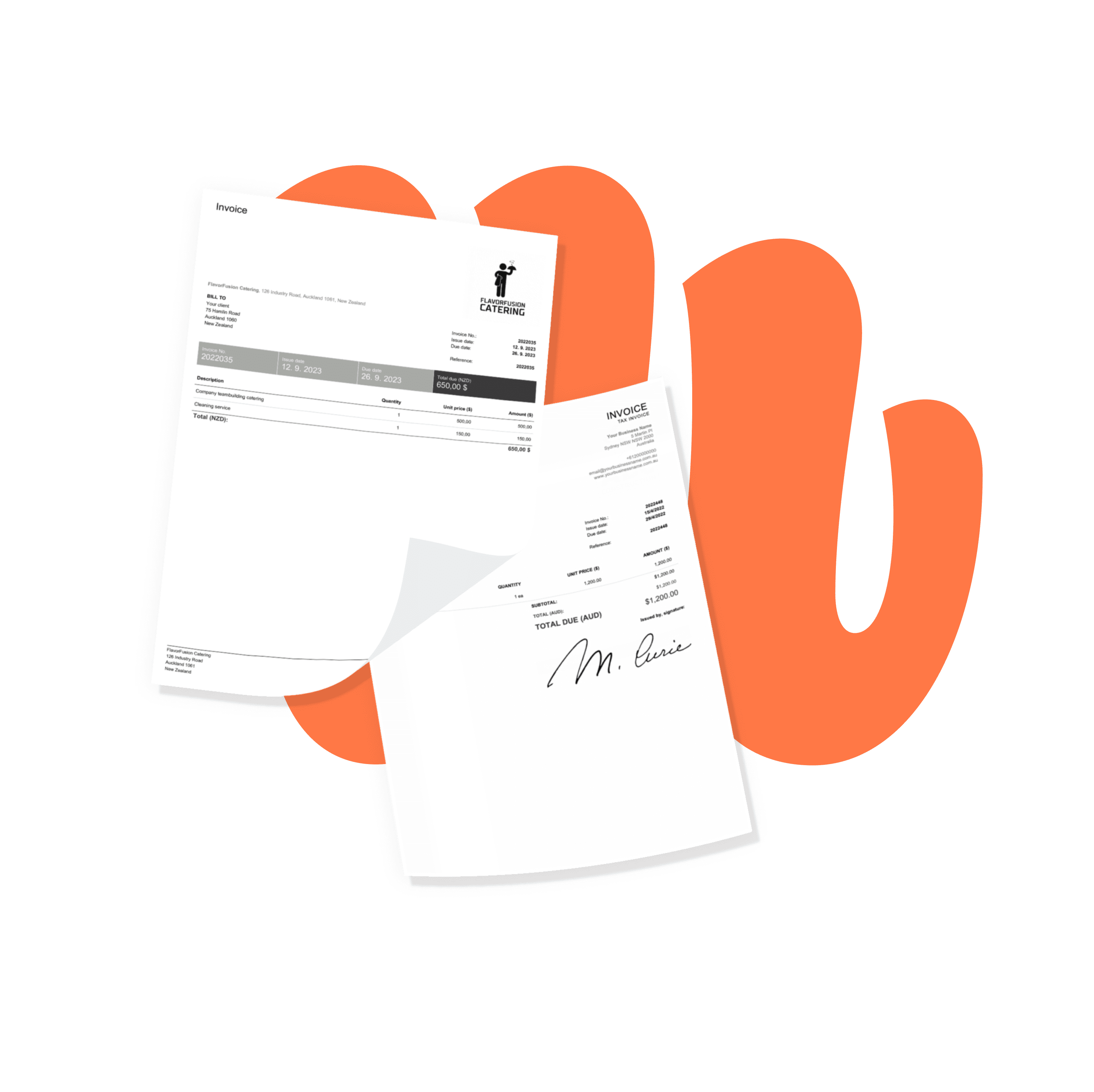
Free Catering Invoice Templates
Looking for catering invoice template examples? Browse our designs, choose the one that fits you best, and create your catering invoice in minutes.
Looking for catering invoice template examples? Browse our designs, choose the one that fits you best, and create your catering invoice in minutes.
You don’t need to trawl through every invoice template on the internet. We’ve created free invoice templates you can edit or download to your computer. Select your preferred format and start using the template now.
Before you create a catering invoice, pick a format that fits how your business bills. You can use a catering invoice template in Word or Excel, or an online template to keep documents consistent and clear for clients. Excel handles quick calculations for per-guest pricing, tax and fees, while Word gives you a clean, professional layout that’s easy to adapt for different events. Whichever you choose, make sure every invoice includes the core details: invoice number, date, client contact information, event location, and a clear list of services and charges.
These are the items typically shown on a catering invoice:
Event details - the event date, time, and location.
Menu items - a breakdown of the food and beverages provided, with names, quantities, and per-unit prices.
Rental and transport - any items you supply for the event (tables, chairs, equipment), with price and quantity.
Staffing - chefs, servers, or bartenders provided for the event, shown as separate charges.
A clear deposit section keeps billing transparent and helps your cash flow. Show the deposit as its own line (for example, “Deposit to reserve event date”), record it when it’s paid, and deduct it from the final amount due. If you apply a service charge, list it separately and say what it covers (administration, setup, or staffing coordination). If you collect gratuity, keep it on its own line so customers can see whether tips go directly to staff. Finally, show the final balance with a simple summary: subtotal, tax, fees, deposit paid, and the remaining amount due.
Caterers use several documents with clients, and it helps to keep each one distinct. A quote or estimate is provided before the event and can change if the guest count, menu, or rentals change. A contract confirms the booking, cancellation terms, payment terms, deposit rules, and scope of service. The invoice is the final document that requests payment for the services provided (or it can be sent at agreed milestones). Keeping the quote, contract, and invoice aligned on guest count, menu, and fees helps prevent disputes — especially when a venue or third-party charge is involved.
Haven’t found the template you need? There are more free options in our Free Generator.
Want to create professional catering invoices? A few simple habits will help you impress your clients:
Offer multiple payment options - make invoices easy to pay with card and online payments.
Personalise each invoice - tailor it to the client and the event.
State all the key dates - issue date, event/delivery date, and the payment due date.
Highlight anything important - add it to the “Note” section.
Attach a timesheet or expense report - so clients can see exactly what they’re paying for.
Add your logo and signature - to make invoices recognisable and professional.
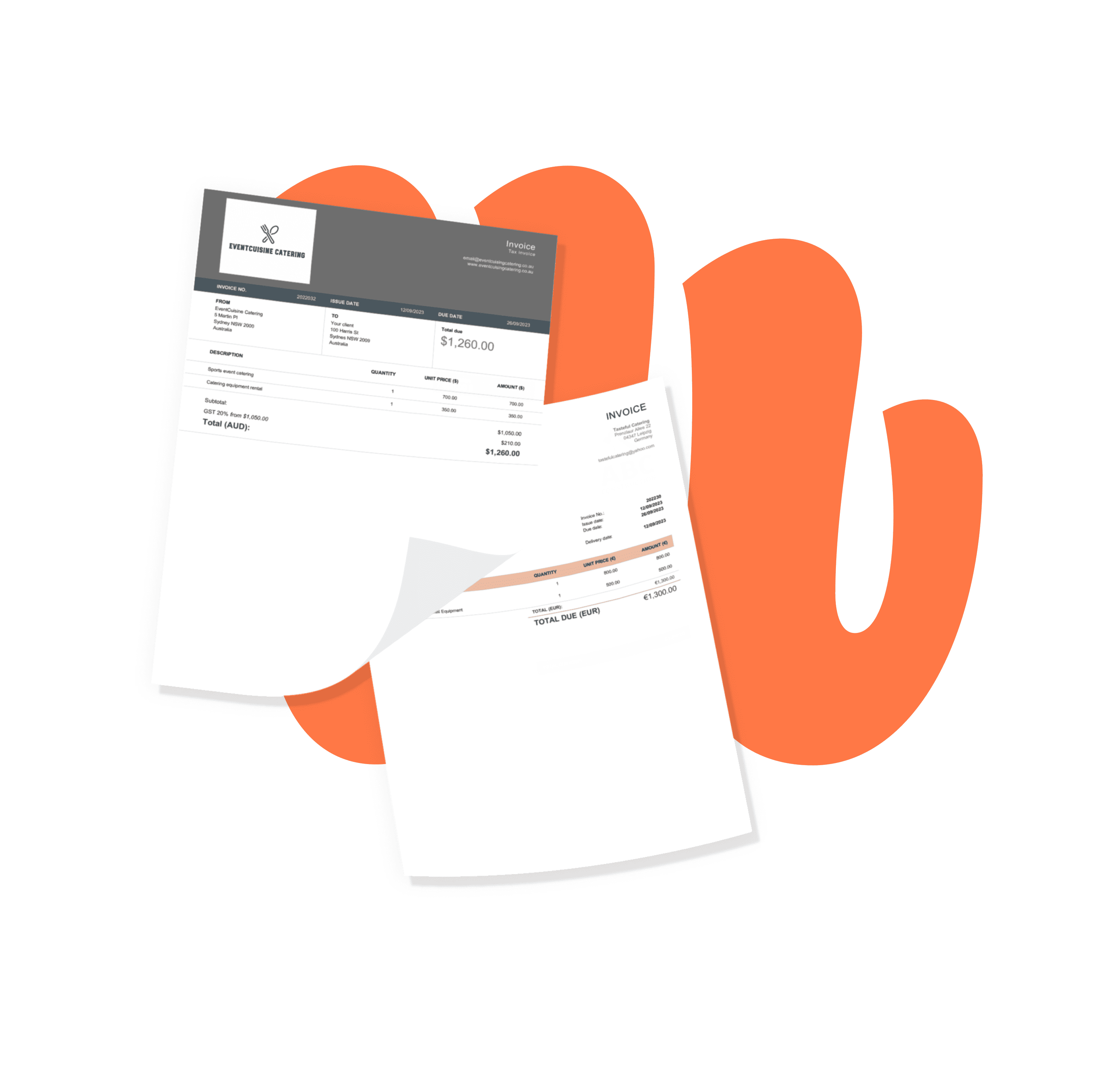
A catering invoice is a formal document that bills a client for catering services. It typically lists the parties involved, the relevant dates, a description of the services provided, the total cost, and the payment terms.
Start from one of our catering invoice templates and include your business and client details, the services provided and their prices, the important dates, the invoice number, and any tax or discount. You can build one in a few steps with our free online invoice generator.
Your business and client contact details, an itemised list of services (menu, staffing, rentals, delivery), the dates, an invoice number, applicable tax, and the total due. Itemising clearly reduces questions and disputes about pricing.
Show the deposit as its own line and deduct it from the final balance once paid. Keep any service charge and gratuity on separate lines so the client can see exactly what each covers.
A quote or estimate is sent before the event to set expected costs and can change with the guest count or menu. The invoice is the final request for payment after the work is done.
Professional templates aren’t the only thing we offer — with Billdu you can grow your business even further.

mobile and web app
Create your documents directly in our app, keep them all in one place, and access them whenever you like. You can try it with a 7-day free trial.

2X FASTER PAYMENTS
Add a Pay Now button to your invoices and get paid up to 9 days sooner by accepting online payments. Nothing feels better than a settled bill.

dashboard and documents
Don’t limit yourself to invoices. Create estimates, quotes, delivery notes and more, and track everything from one dashboard built to make running your business easier.

Sign up now for a 30-day free trial and get 20% off on your first subscription
By signing up you agree to Terms of use and Privacy policy


