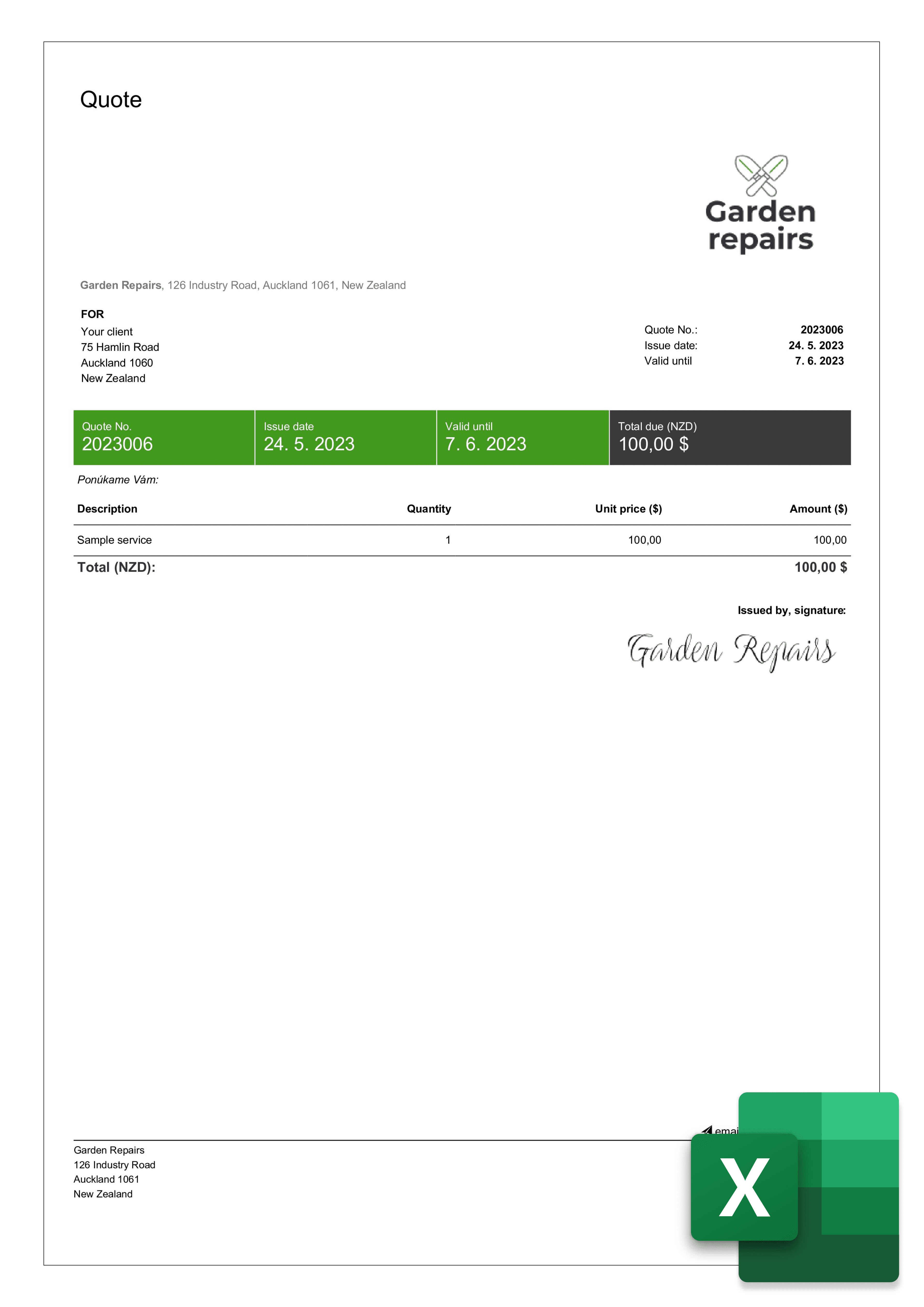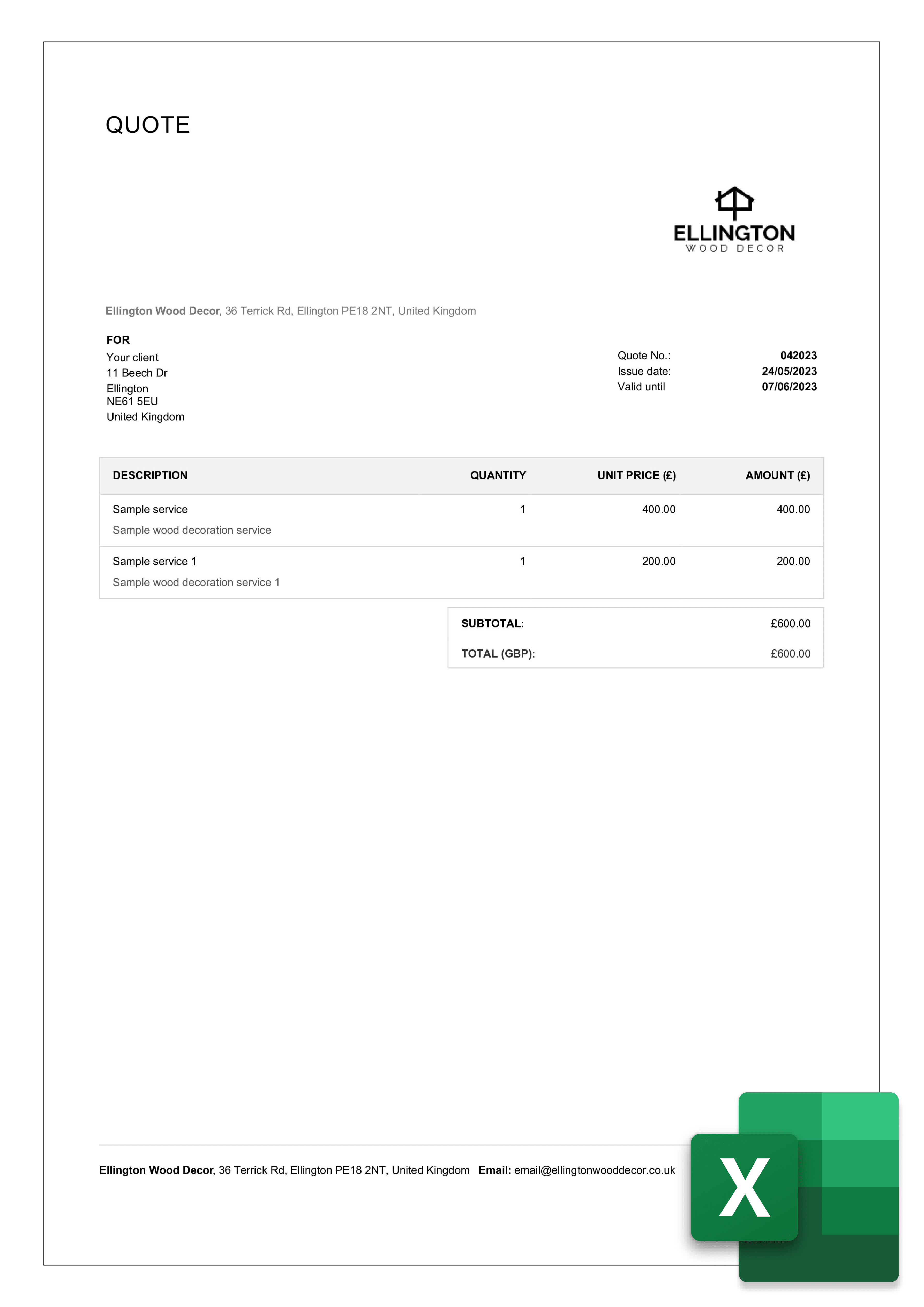


Quotation Template in Excel
Four free quotation formats in Excel - totals, tax and discounts calculate themselves. Download the .xlsx and edit in Excel, Google Sheets or LibreOffice.
Four free quotation formats in Excel - totals, tax and discounts calculate themselves. Download the .xlsx and edit in Excel, Google Sheets or LibreOffice.
A quotation in Excel is a fixed-price offer built in a spreadsheet, where line items, subtotals, tax and the grand total calculate automatically. You type the description, quantity and unit price - the formulas do the rest. It is the fastest format when a quote has more than a few items.
Four ready-made quotation formats in .xlsx. Each one has a working item table - add rows and the totals update on their own.
1. Download and open the .xlsx.
It opens in Microsoft Excel, Google Sheets (File → Import) or LibreOffice Calc - no conversion needed.
2. Replace the header block
with your business name, address, email and phone. Drop your logo into the top-left cell.
3. Add the quote number and validity date.
Use a format you can continue - Q-2026-001, then -002. The validity date is what makes it a quotation rather than an open-ended price list.
4. Fill the item table.
Type description, quantity and unit price. The line total, subtotal, tax and grand total are formulas - leave those cells alone and they update as you add rows.
5. To add a row,
right-click the last item row → Insert, then drag the formula down from the row above so the total keeps counting it.
6. Save as PDF before sending
(File → Save As → PDF, or in Google Sheets File → Download → PDF). A PDF cannot be edited by the client and will not reflow on their screen.
New to quotations? The quote template hub covers what a quotation must contain, how long it stays valid, and how it differs from an estimate.
Format | Best when | Watch out for |
Excel | The quote has many line items, or prices change per unit - the maths is automatic | Layout can shift when printing; always export to PDF before sending |
Word | A short quote with more written explanation than numbers | You total it by hand, so arithmetic errors are on you |
You are sending a finished quote and want it locked | Not editable - you need a source file in Excel or Word first | |
Google Sheets | Two people price a job together | Set sharing to view-only before sending the link |
Use Excel when the numbers do the work. If your quote is mostly prose - scope, assumptions, terms - the Word quotation template is the better starting point.
Creating and customizing business documents in Billdu is an absolute breeze. If you want to create quotes and estimates the easiest way, try Billdu's Quote Generator and Estimate Generator. They're the best way to create and customize professional and visually stunning documents in only a few seconds and clicks.
You can further personalize your quotation template layout via the Custom Labels menu in Template Design. Choose appropriate headings and labels for the individual items on your documents to best suit your business.
Every quotation needs the same six elements, whatever format you build it in. Here is what each one does and why it matters:

The first item in our quote template – you can choose the numbering style and override it manually.

Insert your business name, your address, city, zip/postcode, country, email, phone and your bank details.

Similarly, fill out the customer details so that the template contains real customer data

The issue date is automatically generated into your quote template, so is the validity

List of products or services you are quoting to your customer and their units, if applicable

Enter quoted prices for your items. They can be automatically added from your product list
Click the Excel link under any design and the .xlsx downloads free - no email, no account. It opens in Microsoft Excel, Google Sheets or LibreOffice Calc.
Yes. Line totals, subtotal, tax and grand total are live formulas. Type the quantity and unit price and the rest updates. If you insert a row, drag the formula down from the row above so it is included in the total.
Yes. In Google Sheets go to File → Import → Upload and select the .xlsx. The formulas carry over. Download as PDF before sending so the client cannot edit it.
In Excel: File → Save As → choose PDF. In Google Sheets: File → Download → PDF Document. Set the print area to one page first so the item table does not split across two pages.
The file format does not affect this. A quotation becomes binding when the client accepts it within its validity period, which is why the validity date matters more than the format. Check the rules in your country.
A quotation is a fixed price you commit to. An estimate is an informed approximation that can change as the job develops. If you are not certain of the final cost, send an estimate.


Sign up now for a 30-day free trial and get 20% off on your first subscription
By signing up you agree to Terms of use and Privacy policy