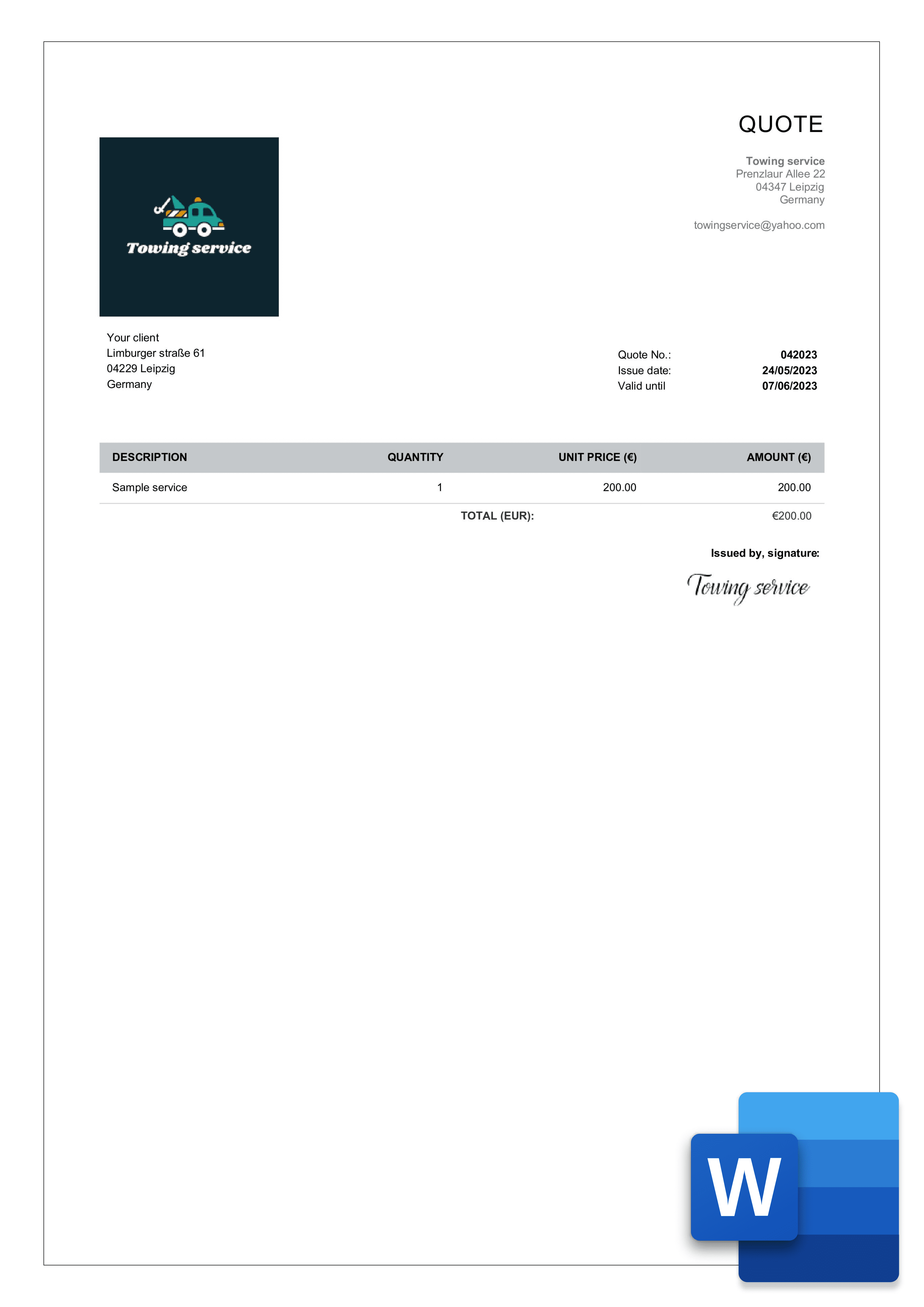


Quote Word template
Download a free, editable quotation template in Word (.docx). Fill in your items, prices and validity date, then print it or save it as a PDF to send.
Download a free, editable quotation template in Word (.docx). Fill in your items, prices and validity date, then print it or save it as a PDF to send.
Pick one of the four quote templates below and download it as a Word file. Every template opens in Microsoft Word or Google Docs and comes with the quotation fields already in place — no formatting work needed.
A consistent quotation template speeds up your sales process: every quote goes out clear, complete, and easy for the client to review. Because the structure never changes, you respond faster, spend less time writing, and never omit the essentials — terms, validity, payment details. Clients can compare costs and approve sooner, and if you manage several quotes at once, the shared format keeps them all consistent.
Creating and customizing business documents in Billdu is an absolute breeze. If you want to create quotes and estimates the easiest way, try Billdu's Quote Generator and Estimate Generator. They're the best way to create and customize professional and visually stunning documents in only a few seconds and clicks.
You can further personalize your quotation template layout via the Custom Labels menu in Template Design. Choose appropriate headings and labels for the individual items on your documents to best suit your business.

Word is the fastest option when you need a clean, one-page quote you can edit and send the same day. You can adjust wording freely, match the fonts and colors to your brand, and reuse one master file for every client — duplicate it, change the details, and save. When the quote is ready, export it from Word as a PDF so the client sees the same layout on any device. If your quotes involve many line items with calculations, our Excel quotation template handles the math better.
When you sign up for the free 7-day trial of Billdu, you'll be able to select one of our five professional quote templates and further customize their looks and elements such as:

Quote number
The first item in our quote template – you can choose the numbering style and override it manually.

Your details
Insert your business name, your address, city, zip/postcode, country, email, phone and your bank details.

Customer details
Similarly, fill out the customer details so that the template contains real customer data

Issue date and validity
The issue date is automatically generated into your quote template, so is the validity

List of quoted items
List of products or services you are quoting to your customer and their units, if applicable

Quoted prices and discounts
Enter quoted prices for your items. They can be automatically added from your product list
A standard quotation format has three parts. The header carries your business name, address, contact details and logo, plus the client's details, a quote number and the issue date. The body is an itemized table listing each product or service with quantity, unit price and line total, followed by any discount, the tax rate and the final amount. The footer states the validity period (how long the price holds), your payment terms and space for notes or conditions. In Word, this structure is built with a simple table, which is why a ready-made template saves the most time — the rows, totals and terms are already laid out, and you only replace the placeholder text.


For construction contractors, a quotation should list materials, labor, and project phases as separate line items, with a clear cost per line and the total at the bottom. For a service quote, include a brief description of the deliverables, the time estimate, and the payment schedule.
Using the same layout for every client looks professional and makes your quotes easy to compare across jobs. It also means a new quotation takes minutes, not an evening — useful when a client asks for a price on short notice.
Once the client accepts your quotation, the details shouldn't be retyped. If you work from a Word file, copy the accepted items into your invoice template and update the numbering. Or skip the manual step: in Billdu, an accepted quote converts to an invoice in one tap, with products, prices and terms carried over automatically.
Creating quotes is a breeze with Billdu. If a free quotation template is all you're looking for, you can download and customize one of our 5 blank quote templates for MS Word, Excel, PDF, or Google Docs. Alternatively, you can use our Free Quote Maker or use quote maker apps to create professional quotes in seconds.
Click the Word link under the design you like and the .docx downloads free. It opens in Microsoft Word, Google Docs or LibreOffice.
Yes. Our Simple template is a one-page format with a plain item table, totals and a validity line — no graphics, ready to print.
Yes. In Word use File → Save As → PDF, or in Google Docs File → Download → PDF. Send the PDF so the layout can't shift on the client's device.


Sign up now for a 30-day free trial and get 20% off on your first subscription
By signing up you agree to Terms of use and Privacy policy