Free Word Invoice Template
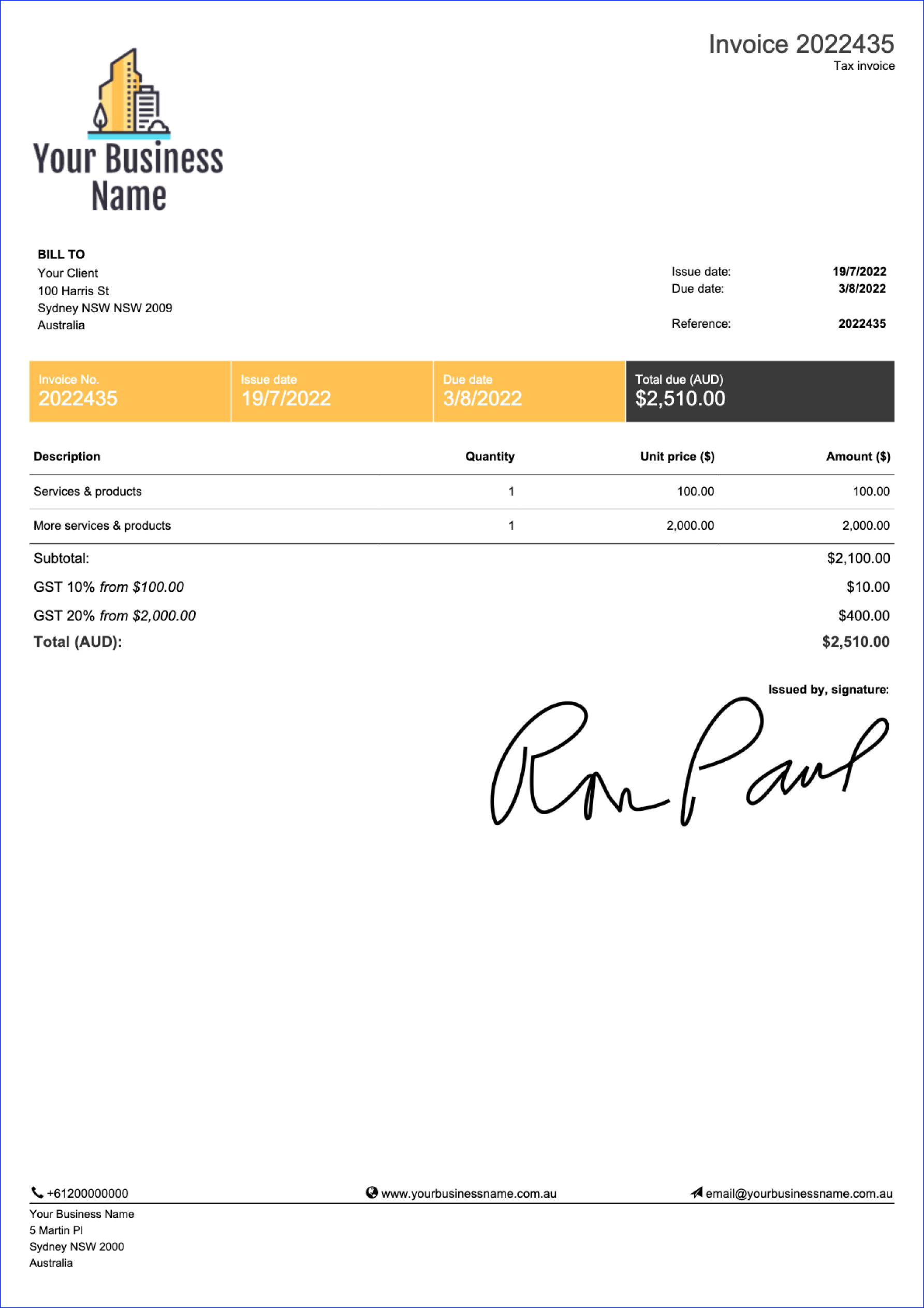
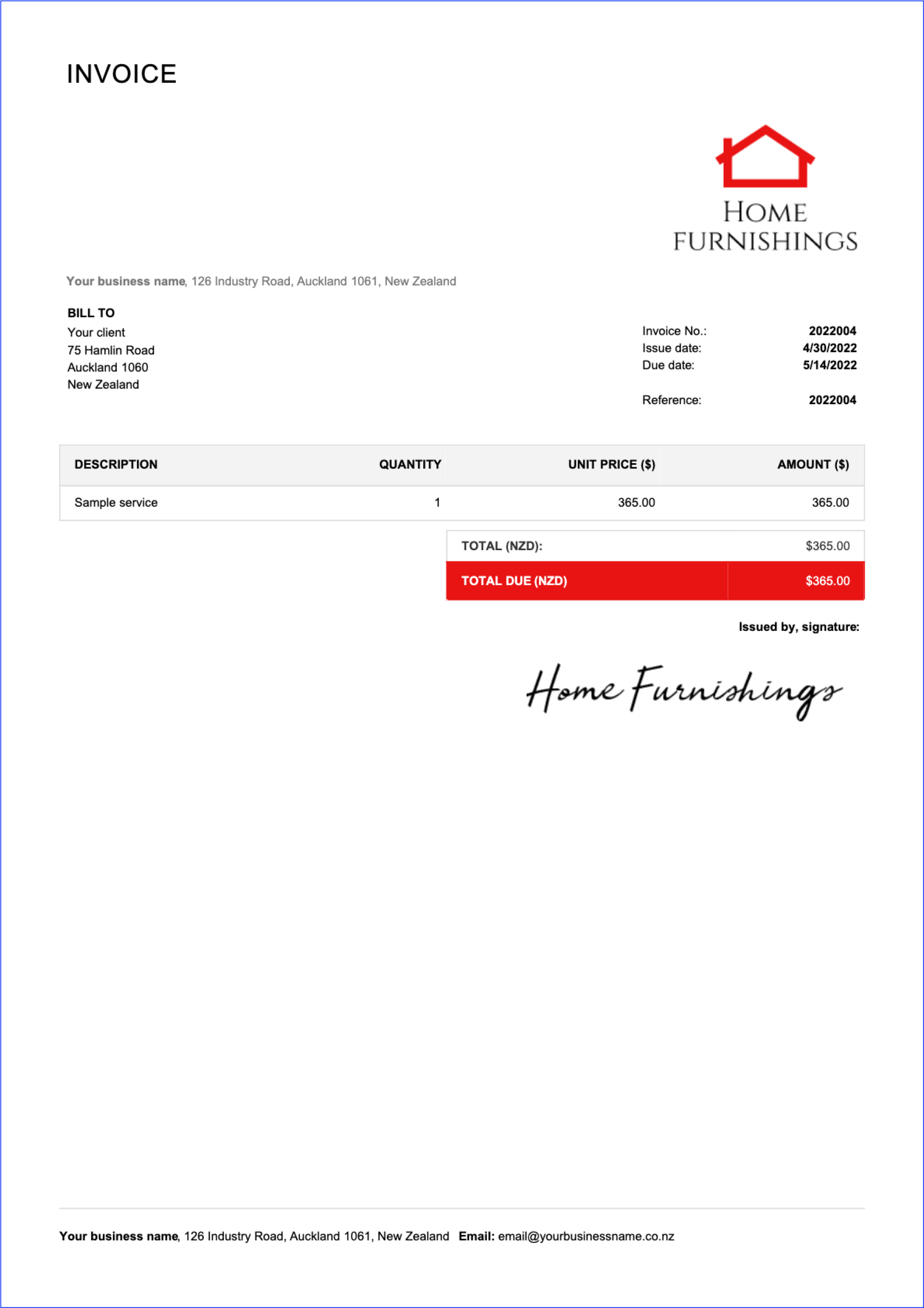
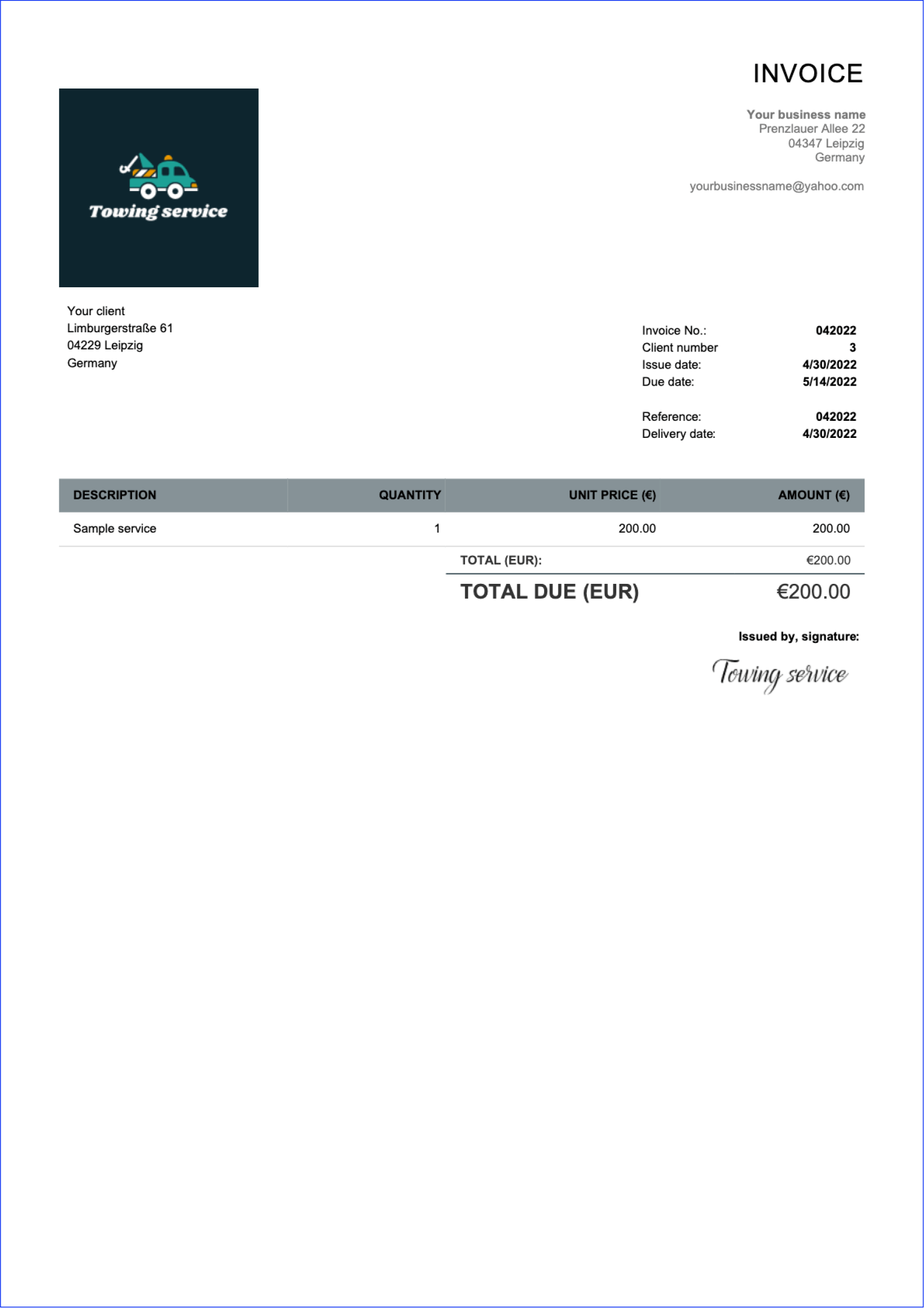
Using a Word template is an excellent way of creating professional invoices. Download our free Word invoice template online, or scroll down for more engaging sample invoices.
Using a Word template is an excellent way of creating professional invoices. Download our free Word invoice template online, or scroll down for more engaging sample invoices.
A Word invoice template is a great option if you want something that's easy, editable, and flexible for everyday billing. You can quickly enter items, goods, or services, adjust the layout to match your business, and then save the file as a PDF for a clean, professional look. For many small business owners, it's a simple way to create professional invoices that are ready to print or email to customers.
Do you like creating invoices in Word? Choose one of our free downloadable invoice samples and send it to your clients straightaway.
Would you like to see more designs? Learn about the possibilities on how to create professional invoices easily.
With Billdu, you're not limited to only Word templates. We have a variety of templates to choose from, including Excel, PDF, Google Docs, and Pages. Just choose the format that works for you and give it a go!
Check out our Billdu Templates to download templates directly into your device and start customize them to your needs. They are flexible, easy to handle, and come in a variety of styles to fit your unique brand.
Reduce the time you spend manually filling in information, adding up tax, and coming to a total with our free online invoice generator. It comes with 5 pre-made templates, where you can just add all your important information – invoice number, your business name, clients name, type of service, tax and discount rate, and you're ready to go.
You can also choose any color for your template and add your custom signature. Try it for yourself and create your invoice with our free online generator.

To customize invoice formatting without extra hassle, start with a blank invoice template and fill in the fixed details first: company name, address, and contact information.
Then add your logo, set clear payment terms, and include an invoice number so you can track each payment and follow up when needed. If you bill for a job or project, list items with quantities, a rate, and tax—Word makes it easy to add rows and keep the same template for all clients. If you want a quick starting point, choose an invoice template Word and save one master file you can duplicate for every new customer.
Do you want create professional invoices in Word? Be sure to implement some of these tips so you can impress your clients.
Allow multiple payment options - make your invoices easy to pay by including options for electronic payments, card payments, and more.
Personalize your invoices - create a personal connection with your client by personalizing each invoice as much as possible for any particular project.
Add all important dates - always state the issue date, delivery date, and, most importantly, payment due date.
Highlight important information - if there is something important that your client should be aware of, make sure to add it to the "Note" section.
Attach a timesheet and expense report - make it easy for your clients to understand what they are paying for by attaching additional documents.
Include your company logo and signature - make your invoices easily recognizable as authentic by adding your logo and signature.

Word invoice files work well for freelancers, contractors, and service-based teams that send a straightforward invoice and don't need automated features. They're also useful when you need a polished document for occasional sales, or when you want a simple workflow: create invoice, save, and send invoice by email. If you manage many customers, recurring billing, or want to reduce manual work, consider moving from documents to invoicing software or an online invoice tool. Some businesses also keep a copy in Google Sheets for tracking totals and payment status, then use Word for the final customer-facing invoice.
Using an invoice template helps standardize your billing, and makes it easier to track what was provided for each job when you review payments later. A professional invoice should include the key details that help you get paid faster:
Issue date, due date
Customer details
A clear description of goods or services provided
Itemized items
Tax, discounts, and the total cost
Add your bank and account information for transfers, and make payment terms clear so clients know exactly when and how to pay

If you’re looking for an invoice template in another format, have a look at the options below.
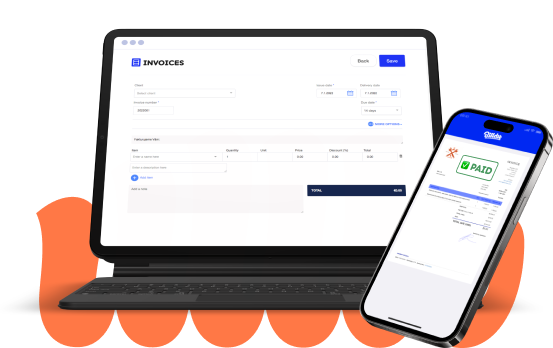
Do you want to do more than just generate documents with simple invoice templates? Is your business growing and you want to keep it organized? The Billdu mobile and web app can help you with all of that.

mobile and web app
Create your invoice templates directly in our app and keep your documents at one place and access them whenever you like. You can try it out with 7-days free trial.

2x FASTER PAYMENTS
Add a Pay Now button to the bill template and get paid up to 9 days sooner by accepting payments from online payment services. Nothing cheers up more than a settled bill!

dashboard and documents
Don't limit yourself with invoices only. Create estimates, quotes, delivery notes and more. Keep the track with our dashboard that gives you the greatest comfort for operating and monitoring your business.
If you want to automate repetitive billing tasks, choose tools that calculate totals automatically, store customer information, and help you track unpaid documents.
Many invoicing software options let you create templates, send reminders, and send invoice links for faster payment, which can save time compared with editing a Word file every time. You can still keep an invoice template Word for one-off work, but for ongoing billing, automated workflows are designed to reduce errors and speed things up.
If you prefer an invoice template free download it can be a good start—choose a downloadable free option and upgrade your process as your business grows. You can also download free invoice files and adapt them to your workflow (including Word Excel formats or a tracking copy in Google Sheets).

It all depends on the nature of the particular invoice. If you want to create a visually appealing and customized invoice with less emphasis on calculations, Microsoft Word is a great choice because of its design flexibility.
However, if your invoices involve complex calculations like taxes and totals, Microsoft Excel is better because it can automate these calculations and help organize large amounts of data.
If you want to create professional-looking invoices while using advanced features such as recurring invoices, payment reminders and reports, we recommend choosing Billdu invoicing software.
The biggest benefit of creating a Word invoice template lies in its simplicity. Word templates are easy-to-use and you can use them without any advanced editing skills. They offer many editing options so you can create nice-looking invoices quickly.
If you're looking for invoice template alternatives, you can check our Word, Google Docs, Pages (for Mac) or PDF templates.
We recommend using our Billdu invoicing software for several reasons - you can get paid fast by issuing online invoices and sending payment reminders, you can largely save time on creating invoices by using recurring invoices and there's also possibility to collaborate with your accountant to reduce paperwork. All of that is included in our 7-day free trial.
It's simple - you just need to add new rows depending on how many taxes you want to add and you just use a calculate your total price with tax applied.
The best way to send a Word invoice is to convert it into PDF and then send it via email to your client. If you want to get paid faster, we recommend issuing Online invoices that your clients can pay for in just 2 clicks - try it today with 7-day free trial in our Billdu app.
You can convert any Word invoice easily by saving your template as a PDF. Alternatively, you can use or Free online invoice generator where you can create an invoice in seconds and we will automatically generate ready-to-use PDF invoice for you.

Simple Invoicing Platform for Freelancers and Small Businesses

Sign up now for a 30-day free trial and get 20% off on your first subscription
By signing up you agree to Terms of use and Privacy policy