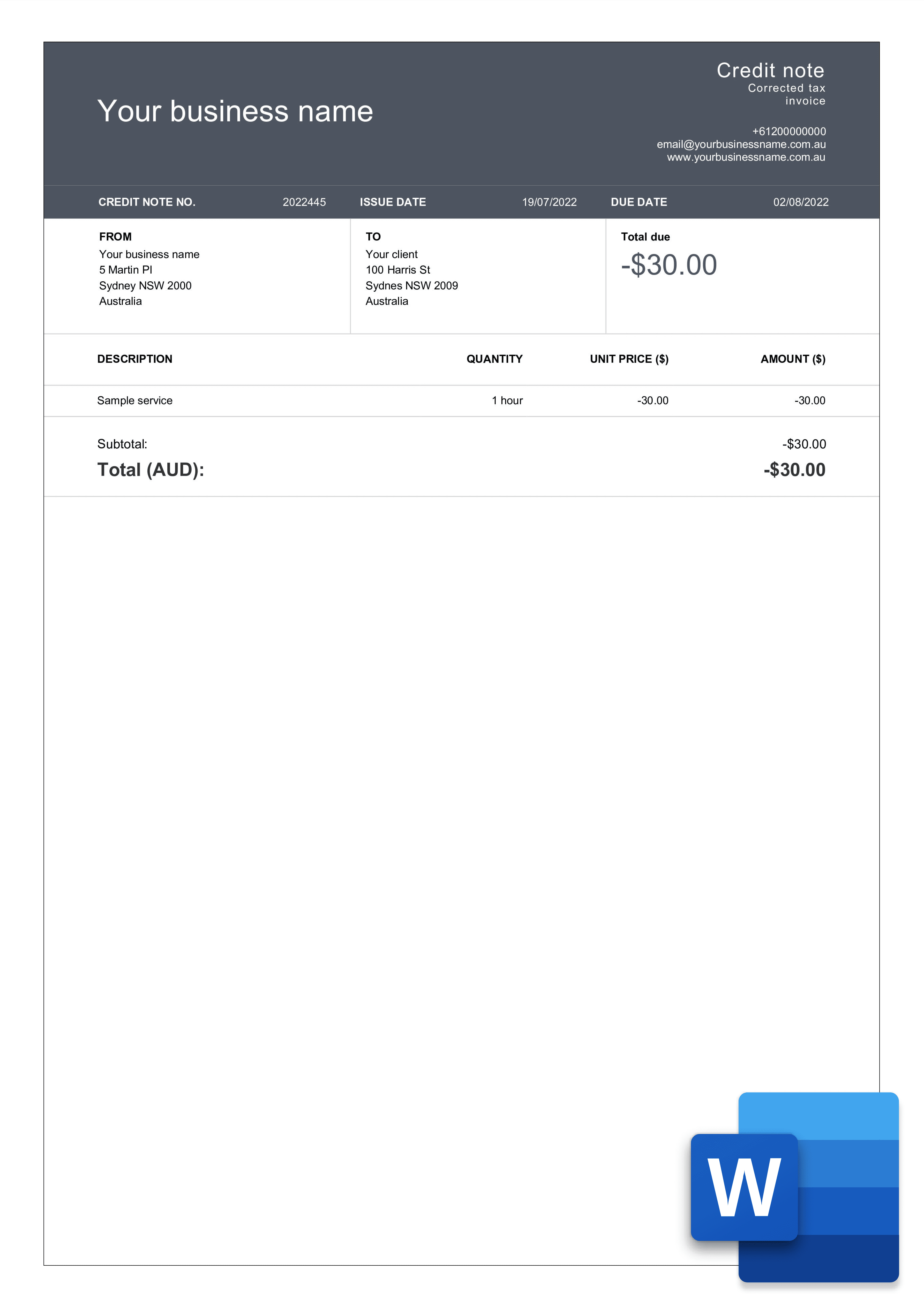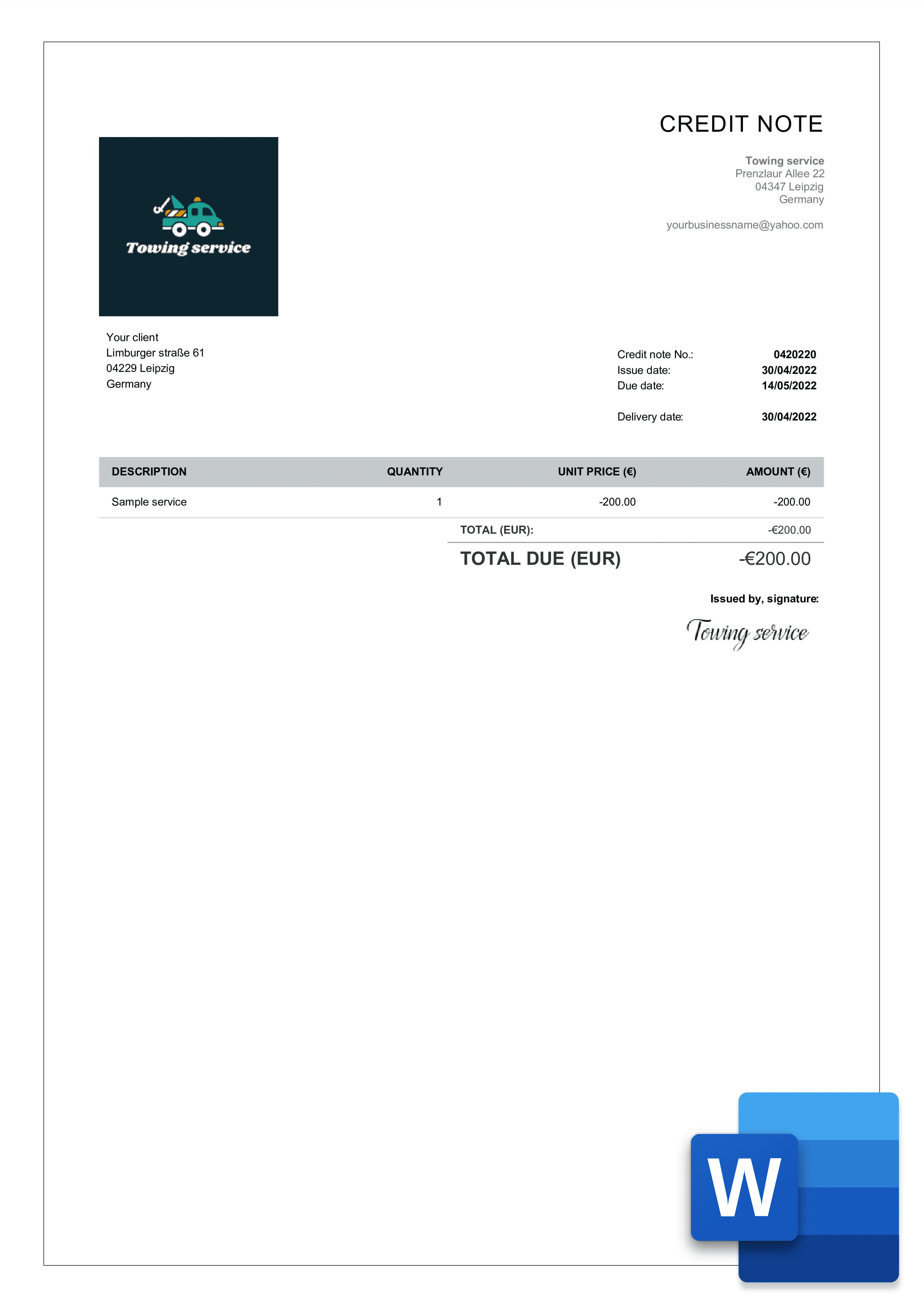

professional credit note word template

Credit note Word template

A ready-to-use credit note template for Microsoft Word. Download it free below, open it in Word, fill in your details and send. You can also edit it in Google Docs or Pages - and if you'd rather your totals calculate automatically, use the Excel version instead.
The best Word credit note templates for your business

You do not need to spend time going through all the credit note templates available on the internet. We have created a free forms that you can easily edit or download to your computer. Select your preferred format and start using the template now.

free credit note template in word

Stripe template

Download template in Word

download credit note template example in word

Classic template

Download template in Word

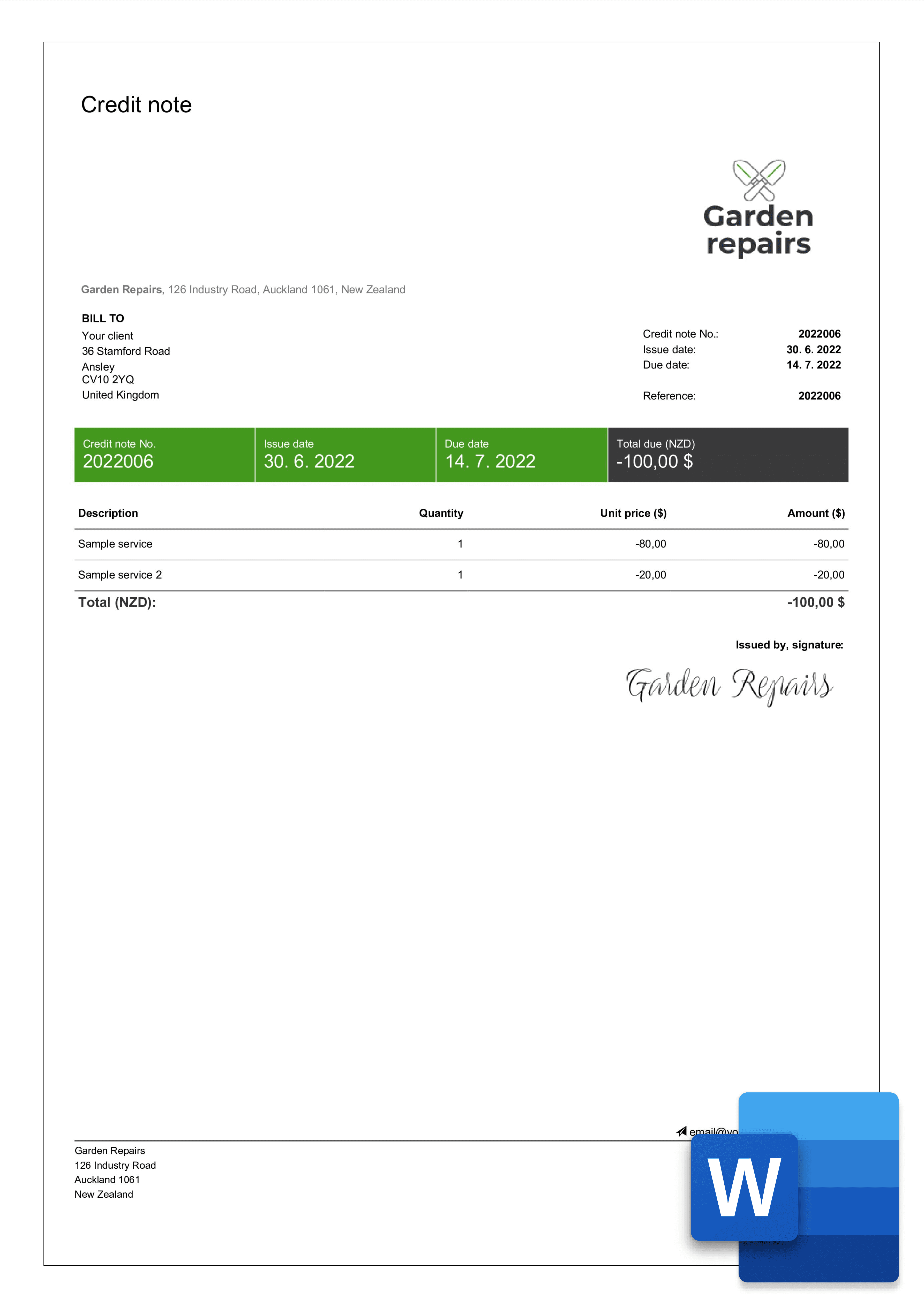
word credit note template sample

Modern template

Download template in Word

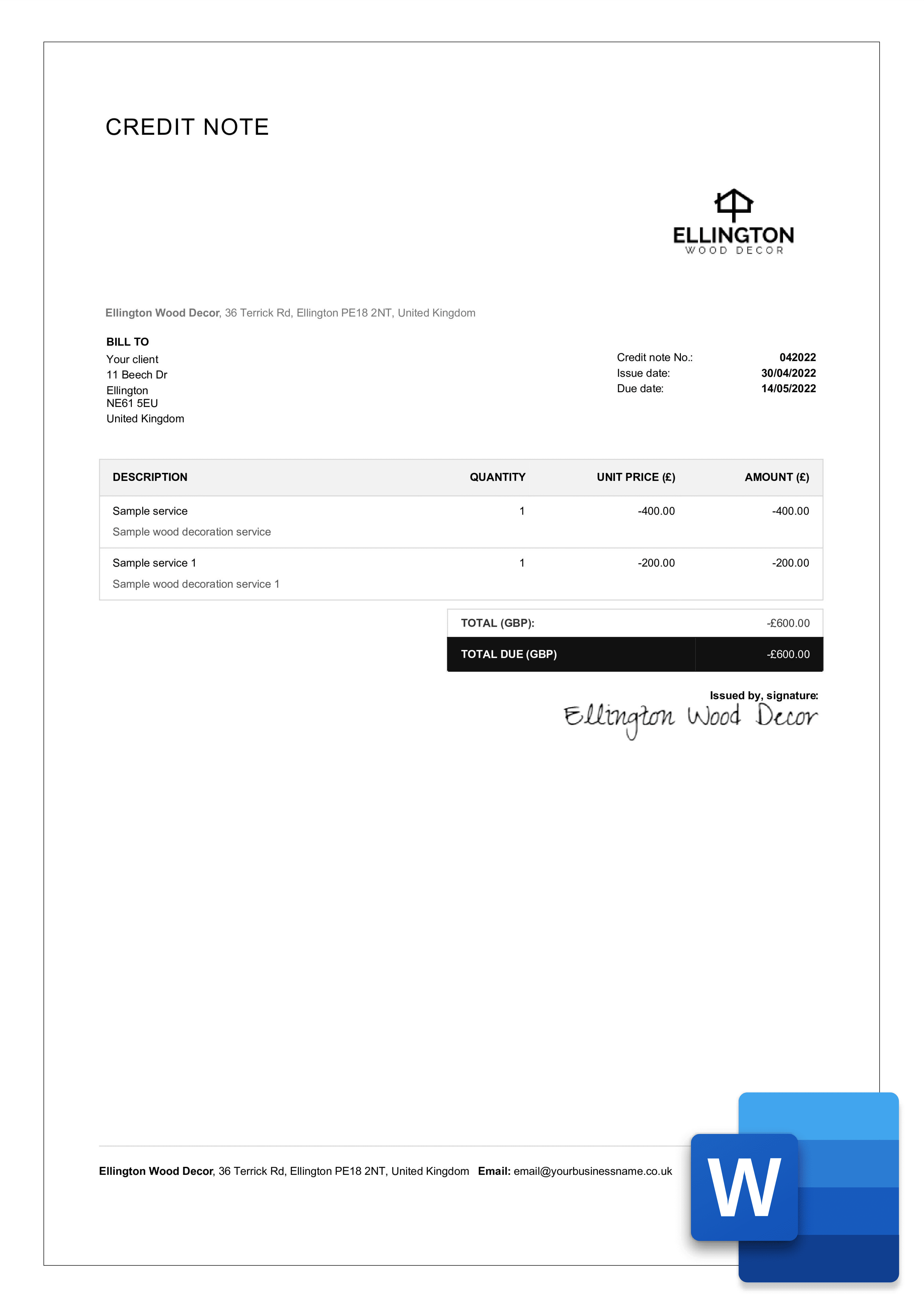
free credit note layout in word

Simple template

Download template in Word

What is a credit note?

A credit note cancels all or part of an invoice you've already issued - for a return, an overcharge, or a post-sale discount. For the full breakdown of when to issue one, what to include and how VAT works, see our main credit note template guide. This page is about using the template in Word.

How to edit a credit note template in Word

  • Download the Word template above and open it in Microsoft Word (or upload to Google Docs / open in Pages).

  • Replace the seller and buyer details and add your logo.

  • Enter a unique credit note number and the original invoice number it relates to.

  • List the items or services being credited, with quantities and unit prices.

  • Update the total - Word doesn't calculate automatically, so add up the lines and type the total (or use the Excel version for automatic totals).

  • Add the reason for the credit and note whether it's a cash refund or a credit to a future invoice.

  • Save, then export to PDF (File → Save As → PDF) before sending, so the layout can't be changed.

Word, Excel or PDF - which credit note format should you use?

  • Word - best when you want to type a clean, good-looking credit note and print or email it.

  • Excel - best when you have several line items and want totals and VAT to calculate automatically. (link: Credit note Excel template)

  • PDF - best when you only need to send a fixed copy the client can't edit.

Tips for a professional Word credit note

  • Lock the layout before sending - export to PDF so the client can't accidentally change your figures.

  • Keep a master copy - duplicate it per client so your original Word file stays clean.

  • Number credits sequentially - Word won't do this for you, so keep a running log (or let Billdu number them automatically).

  • Add your logo and signature in the header so your credit notes are instantly recognisable.

  • Always show the original invoice number so the client can match the credit to the right invoice.

free credit note word template

Word credit note FAQ

How do I total a credit note in Word?

Word doesn't add figures up for you - total the line amounts and type the result, or use the Excel version, which calculates totals and VAT automatically.

Can I convert my Word credit note to PDF?

Yes - File → Save As (or Export) → PDF. Send the PDF so your formatting stays fixed on the client's device.

Can I edit this template in Google Docs or Pages?

Yes. Upload the .docx to Google Docs or open it in Apple Pages - the layout is preserved.

Is the Word credit note template free?

Yes, it's free to download and edit. Register for Billdu if you want to save it, reuse it, and number your credits automatically.

Other template examples

ALTERNATIVE SOURCES

Let Billdu handle the parts Word can't

A Word file can't number your credits, total them, or keep them next to the original invoice. Billdu does all three - turn any invoice into a matching credit note in a couple of taps, apply it as a refund or account credit, and keep every document traceable for tax time.

Invoice maker on the go

mobile and web app

Create your invoice templates directly in our app and keep your documents at one place and access them whenever you like. You can try it out with 7-days free trial.

Pro invoice maker for small businesses

2X FASTER PAYMENTS

Add a Pay Now button to the bill template and get paid up to 9 days sooner by accepting payments from online payment services. Nothing cheers up more than a settled bill!

Online invoice creator - handy dashboard with overview of invoices, expenses and balance

dashboard and documents

Don't limit yourself with invoices only. Create estimates, quotes, delivery notes and more. Keep the track with our dashboard that gives you the greatest comfort for operating and monitoring your business.

Get started with Billdu

invoicing · sales